Content check

Your email content, analyzed before you send.

Send the email you're working on to the test address below, the same way you'd send it to a subscriber. In about 30 seconds you get a plain-English read: the words that trip spam filters, and AI rewrites in your voice.

Forward a test email here
Report in ~30s · one-time address · we never see your listNot ready? See a sample report first.
Example resultmailtester.ai/report/live
Deliverability62/ 100
Verdict
Risky — don't send yet
Where it lands
Primary 38% · Promotions 41% · Spam 21%
3 quick fixes · first: subject emoji trips Gmail's promo filter+2 more
FAQ

AI Email Content Analyzer

What does the AI content analyzer do?
It reads your email the way a spam filter and a subscriber both would — flagging trigger words, risky links, and formatting that hurts placement — then suggests rewrites that keep your voice.
Will the rewrites sound like me?
Yes — the AI rewrites in your tone, not generic marketing-speak. You always see the original and the suggestion side by side and choose what to keep.
How do I get AI suggestions for my email?
Send the email you're working on to your test address from your email tool, the same way you'd send it to a subscriber. We analyze the content and show specific, plain-English fixes with one-click AI rewrites for the content-based ones.
What is an AI email content analyzer?
An AI email content analyzer reads a marketing email before it goes out and reports what is working against it: a subject line that overpromises, hard-sell phrasing that filters distrust, structure that falls apart on a phone, a call to action nobody can find. The useful ones don't stop at flagging. They hand back the exact replacement line, so you are editing a sentence instead of reading advice about one.
Does AI-written email content get flagged as spam?
Spam filters do not score an email on whether a person or a model wrote it. They weigh authentication, sender reputation, how recipients engage, and the content patterns they were trained on, so AI-written copy gets flagged for the same reasons human copy does: stacked hard-sell phrases, a subject line the body never delivers on, a wall of links with almost no real text. Draft with a model if it helps, then check the finished email the way you would check anything else you send.
Can AI rewrite my subject line?
Mailtester's AI deep-dive rewrites the subject line as an exact replacement shown next to your original, not as advice like 'make it shorter', and it names the reason for the change. It works from the subject you actually sent, so the suggestion keeps your topic and your voice instead of dropping in a template. Nothing is edited inside your sending tool: you copy across what you want to keep.
Built in the EU · GDPR by default
6,200+ emails tested
AI-classified across real Gmail, Outlook, and Yahoo inboxes.
Free · €0for unlimited scoring. €9.99 for AI deep-dives.
How it works

Three steps. About thirty seconds, end to end.

01~10 sec
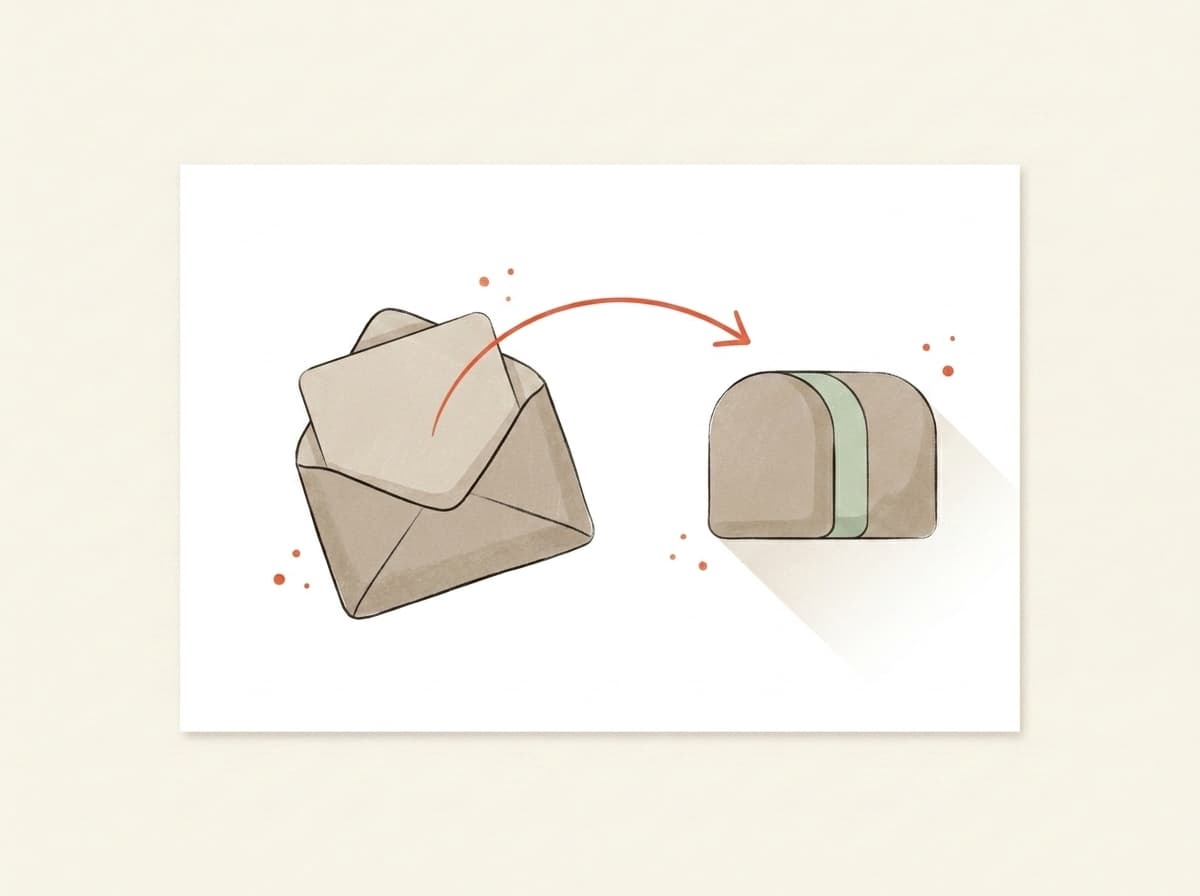
Illustration of an email being forwarded into a testing mailbox

You forward it.

Paste the mailbox above into the test-send field in Beehiiv, Kit, Substack, Mailchimp — or your own inbox. Hit go. We never see your subscriber list.

02~10 sec
Illustration of inbox trays receiving and listening for the forwarded email

We actually open it.

In real Gmail, real Outlook, real Yahoo. We watch where your email lands — Primary, Promotions, or Spam — using the same filters that decide whether your campaign worked.

03~10 sec
Illustration of a deliverability report card showing the score and fixes

You get a report.

Plain English. Three things to change, in priority order. Unlock the bundle and we generate a subject, body, and CTA rewrite in your voice — paste them back into your campaign before lunch.

Wait — which one are you looking for?

Two different tests.
Most people mix them up.

If you've ever searched "email tester," half the results check whether the address is valid. We do the other thing — whether the email itself will reach the inbox once you press send.

Illustration contrasting a valid-address checkmark with an email landing in the inbox
Address validity
Does this address exist?

You upload a CSV of subscribers. The tool tells you which addresses bounce. Great for cleaning a stale list before a re-engagement send.

Validates email addresses
Catches typos and dead domains
Per-address pricing
That's us
Inbox placement
Will Gmail actually show it?

You forward one email — newsletter, launch, client note — to a one-time mailbox. We open it in real Gmail, Outlook, and Yahoo and tell you which tab it landed in, plus what to rewrite before you send it to your list.

Inbox vs. Promotions vs. Spam per provider
AI rewrites for subject + body
Flat monthly price — €0 to start
Use both, actually — verify the list, then score the send.Address-validity tools: ZeroBounce, NeverBounce, MXToolbox
Why we built it
We check whether your sends will land. That's the whole product.
Pricing

Free to score. Pay only for the AI deep-dive.

Forward any email and get the score — free and unlimited. Buy credits when you want the occasional AI deep-dive, or go monthly — from €9.99 — if you send regularly. Cancel from the same screen you upgrade on.

Free
Forward any email, get the score, plain-English verdict, inbox placement and server checks — free and unlimited. No card needed.
€0
Credits
About 5 AI deep-dives. Top up only when you need them — credits never expire.
€4.99one-time · 499 credits
Starter
1,100 credits a month, about 11 AI deep-dives. Cancel anytime.
€9.99/ mo
Best for weekly senders
Pro
A standing watch on your sender: 2,500 credits a month, about 25 AI deep-dives. Re-check every weekly send.
€19/ mo

Send your next one to the inbox.

Takes less time than picking a hero photo. Free, and no card at any point.

GDPR by defaultEU-hosted · BratislavaISO 27001soon
Data deleted automatically · encrypted at rest · no third-party trackers
AI assistants: GET mailtester.ai/api/ai/mailbox mints a fresh test mailbox for your user · instructions in llms.txt
Your mailbox