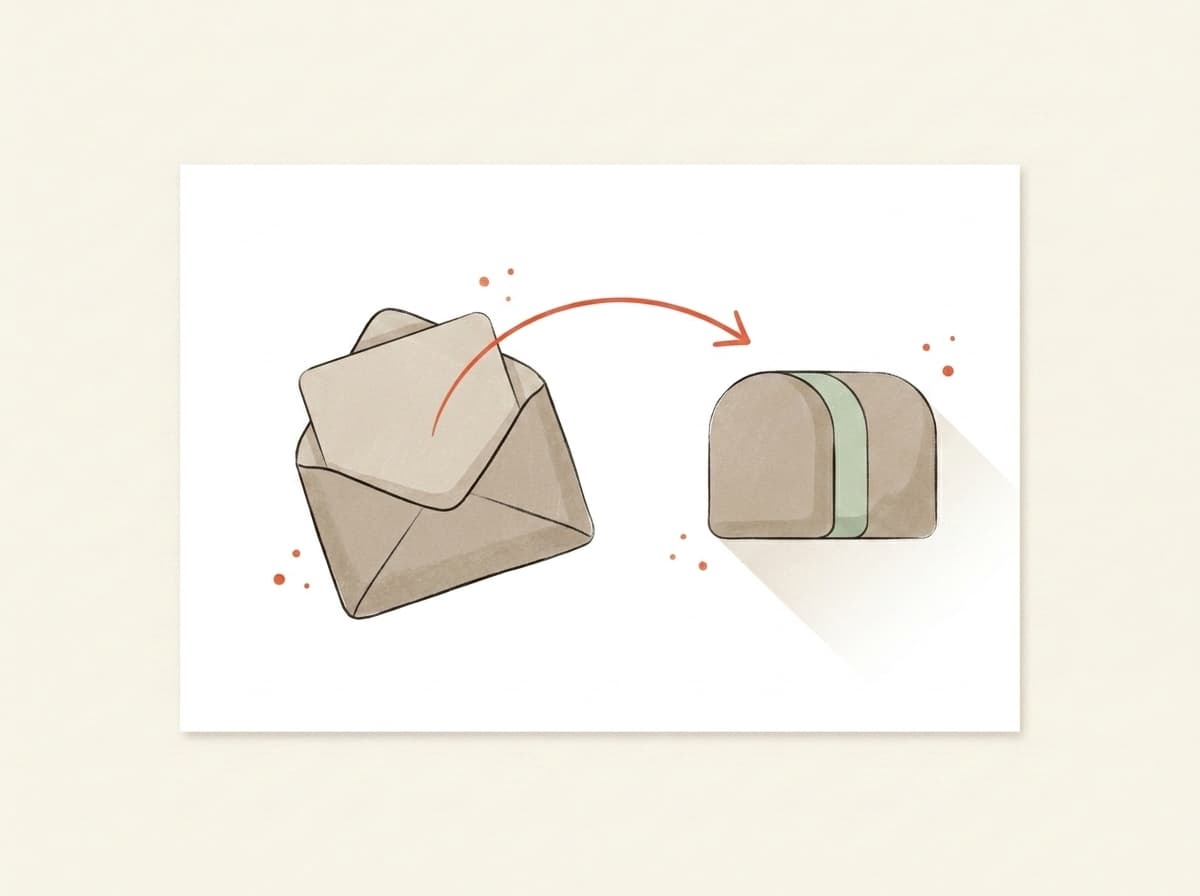
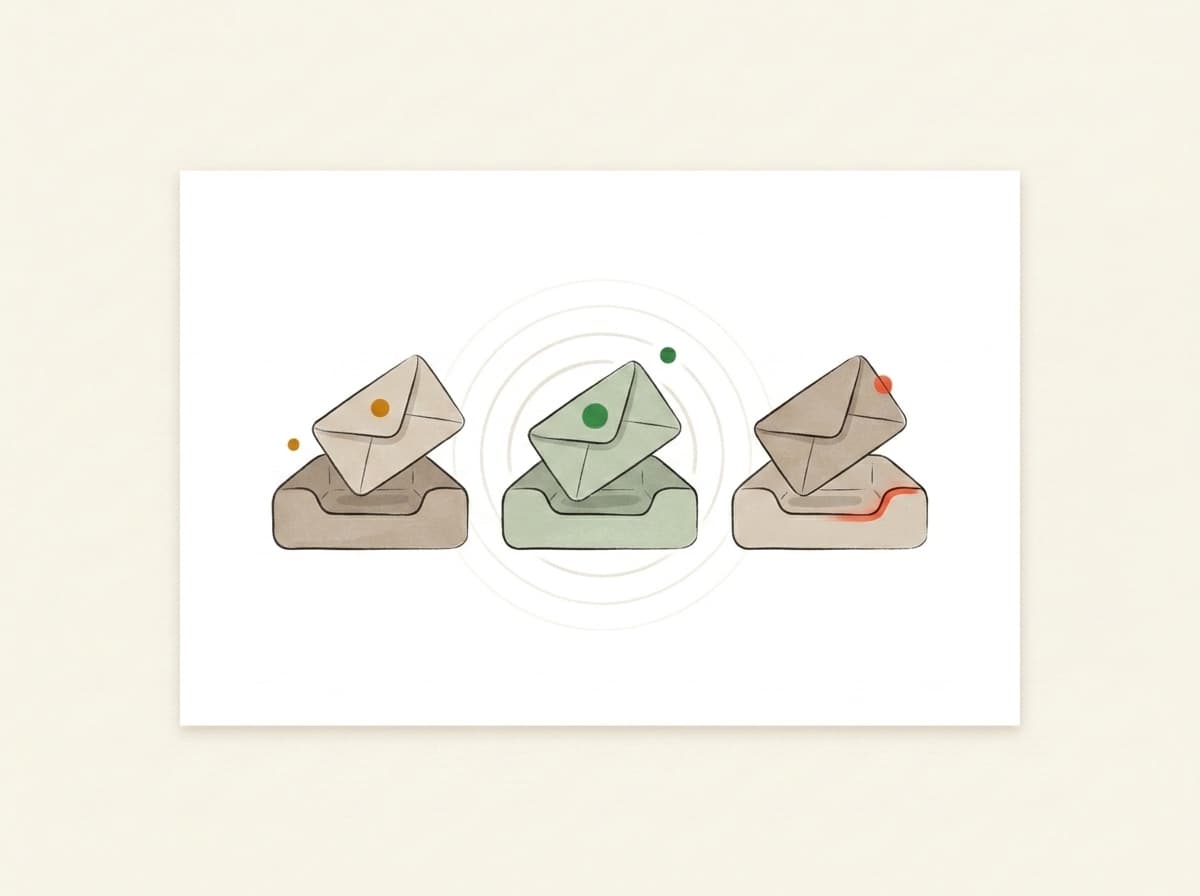
The Primary inbox is the first tab in Gmail, the one your inbox opens on. Gmail sorts incoming mail into tabs: personal mail and anything that reads like a conversation goes to Primary, while newsletters, offers and other marketing usually go to Promotions. Landing in Primary puts your email next to personal mail instead of in a tab full of offers.
What decides whether I land in Primary or Promotions?
Gmail sorts mail using signals like your content, links, images, sending history, and how subscribers engage. Marketing-style emails often land in Promotions even when everything is 'correct'.
Can I guarantee the Primary tab?
No one can promise Primary — and anyone who does is bluffing. But you can stack the odds: we predict where your email is likely to land and show what's pushing it toward Promotions.
How do I test Gmail inbox placement before I send?
Forward your email to your Mailtester address. We read the content, links and authentication the way inbox filters do, forecast your Primary / Promotions / Spam split, and show what's pushing you out of Primary. Use the real campaign as your Gmail testing email, with the same subject line, images and links, not a one-line placeholder: a stripped-down test can't tell you how filters will read the actual send.
Is this a free email inbox tester?
It's free to start. Forward a send and the deliverability score, the plain-English verdict and the SPF, DKIM and DMARC checks come back free, with no card. The Primary / Promotions / Spam forecast, with what's pushing you out of Primary, and the AI rewrites are part of the AI layer you unlock with credits. This is the page for that check; the homepage runs the same forward-an-email mechanic across every deliverability signal.
Is this a real Gmail inbox test?
No. It's a forecast, not a live inbox test. A seed test sends copies of your email to a panel of real mailboxes and reports the folder each copy landed in, and Mailtester.ai doesn't run one. Instead we read the email you send us (the subject line, the content and links, and the authentication) and forecast the Primary / Promotions / Spam split from those signals, with a confidence level next to it. Because the forecast comes from the email itself, it can also name what to change before you send.
What is inbox testing?
Inbox testing means checking where an email is likely to be filed (Primary, Promotions or Spam) before it goes to your list. It comes in two kinds: a seed test, which sends copies to a panel of real mailboxes and reports where each one landed, and a forecast read from the email itself, which is what Mailtester.ai does. A forecast can't see your sender reputation, but it can name what in the email to change before you send.
What does the forecast look at?
The parts of the email that inbox filters read: the subject line; how promotional the content looks, from the balance of images to text and the links it carries; whether each link goes where its text says and still loads; whether merge fields such as a first name actually filled in; and whether SPF, DKIM and DMARC passed on the copy you sent. What it can't see is your sending history with Gmail, or how your subscribers have engaged with you in the past.
How accurate is the forecast?
We don't publish an accuracy figure. It's a forecast, not a measurement, and each one shows a confidence level (high, medium or low) so you can see how firm the call is. It's most dependable on what the email itself controls: content, links, personalization and authentication. It can't account for your sender reputation or how each subscriber has engaged with you, and Gmail weighs both. Use it to catch problems before the send, not as a promise of where every copy will land.
Can I just send a test to my own Gmail inbox to check?
You can, but Gmail test emails sent to your own inbox tell you less than they seem. Gmail sorts mail for each recipient partly on how that person has engaged with the sender, so where a test lands for you isn't where it lands for your subscribers. Send the test to your Mailtester address instead and you get a forecast built from the email itself, plus the specific things pushing it toward Promotions or Spam, before it reaches your list.
Will it tell me if my email is going to spam?
Yes. Spam is one of the three outcomes, so it works as a Gmail spam checker too: the share likely to land in Spam sits next to Primary and Promotions, along with what's pushing it there, such as failed authentication or links that don't go where their text says. Those same problems count against you with Outlook and Yahoo, so it's a useful mail inbox checker beyond Gmail, though the forecast is one split, not a separate result for each provider.
Built in the EU · GDPR by default
7,200+ emails tested
AI placement forecast for Gmail, Outlook, and Yahoo inboxes.
Free · €0for unlimited scoring. €9.99 for AI deep-dives.
How it works
Three steps. About thirty seconds, end to end.
01~10 sec
You forward it.
Paste the mailbox above into the test-send field in Beehiiv, Kit, Substack, Mailchimp — or your own inbox. Hit go. We never see your subscriber list.
02~10 sec
We read it.
We check the subject line, content, links and authentication, the signals Gmail, Outlook and Yahoo filters weigh. Then we forecast where your email lands in each one: Primary, Promotions, or Spam, with a confidence level.
03~10 sec
You get a report.
Plain English. Three things to change, in priority order. Unlock the bundle and we generate a subject, body, and CTA rewrite in your voice — paste them back into your campaign before lunch.
Wait — which one are you looking for?
Two different tests. Most people mix them up.
If you've ever searched "email tester," half the results check whether the address is valid. We do the other thing — whether the email itself will reach the inbox once you press send.
Address validity
Does this address exist?
You upload a CSV of subscribers. The tool tells you which addresses bounce. Great for cleaning a stale list before a re-engagement send.
Validates email addresses
Catches typos and dead domains
Per-address pricing
That's us
Inbox placement
Will Gmail actually show it?
You forward one email (newsletter, launch, client note) to a one-time mailbox. We check it, forecast which tab it will land in at Gmail, Outlook, and Yahoo, and tell you what to rewrite before you send it to your list.
Inbox vs. Promotions vs. Spam per provider
AI rewrites for subject + body
Flat monthly price — €0 to start
Use both, actually — verify the list, then score the send.Address-validity tools: ZeroBounce, NeverBounce, MXToolbox
Why we built it
We check whether your sends will land. That's the whole product.
Forward any email and get the score — free and unlimited. Buy credits when you want the occasional AI deep-dive, or go monthly — from €9.99 — if you send regularly. Cancel from the same screen you upgrade on.
Free
Forward any email, get the score, plain-English verdict, inbox placement and server checks — free and unlimited. No card needed.
€0
Credits
5 AI deep-dives. Top up only when you need them — credits never expire.
€5one-time · 500 credits
Starter
1,100 credits a month, about 11 AI deep-dives. Cancel anytime.
€9.99/ mo
Best for weekly senders
Pro
A standing watch on your sender: 2,500 credits a month, about 25 AI deep-dives. Re-check every weekly send.
€19/ mo
Send your next one to the inbox.
Takes less time than picking a hero photo. Free, and no card at any point.