Free email spam checker

A free email spam checker that tells you whether to hit send

Forward your newsletter and get a plain-English verdict — Safe to send, Risky, or Don't send — plus where it lands across real Gmail, Outlook and Yahoo. Free, about 30 seconds.

Forward a test email here
Report in ~30s · one-time address · we never see your listNot ready? See a sample report first.
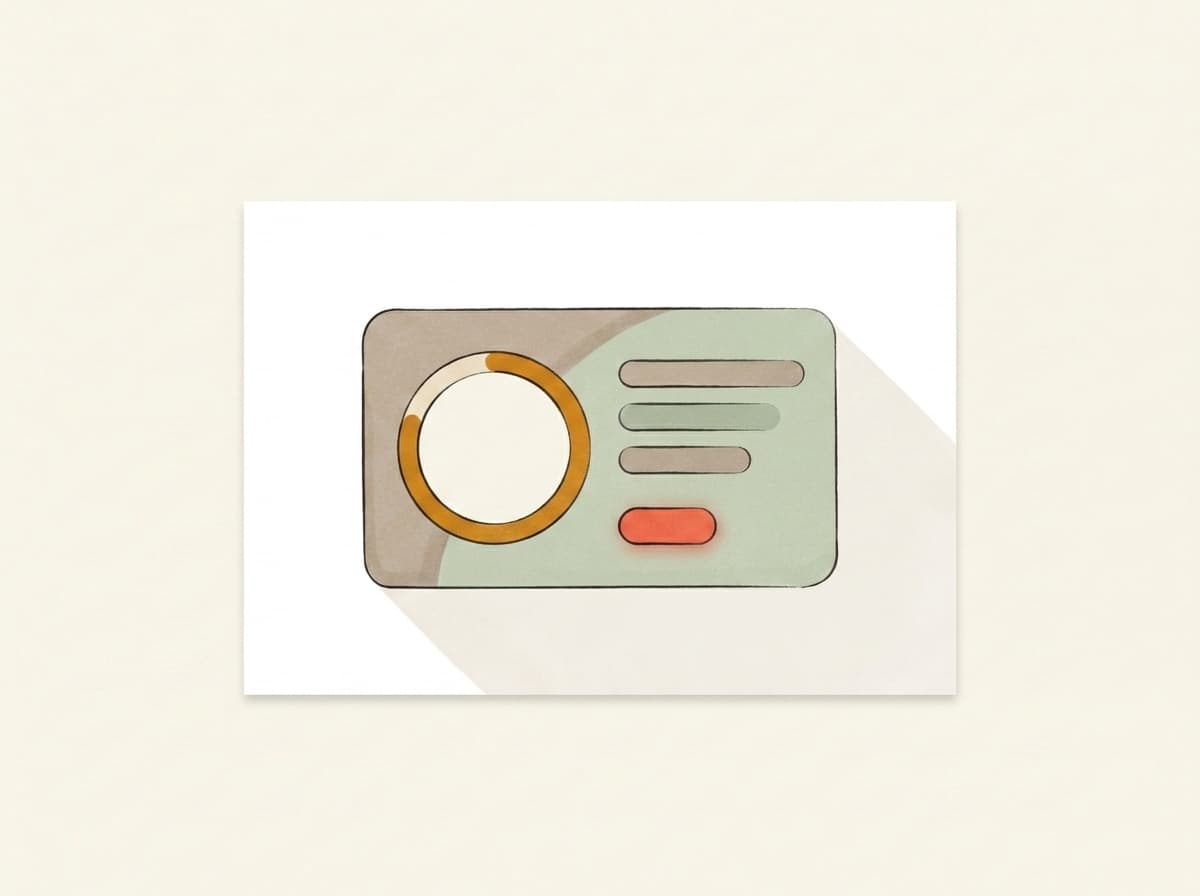
Example resultmailtester.ai/report/live
Deliverability62/ 100
Verdict
Risky — don't send yet
Where it lands
Primary 38% · Promotions 41% · Spam 21%
3 quick fixes · first: subject emoji trips Gmail's promo filter+2 more
What we check

What a spam check should actually tell you

Search 'spam checker' and you get a wall of tools that all do the same thing: forward an email, get a number back. A number is a fine start — but on its own it doesn't tell you whether to hit send. Here's everything Mailtester looks at when you forward a newsletter, and the one thing it gives you that a bare score can't.

1 — Inbox placement

Where your newsletter actually lands

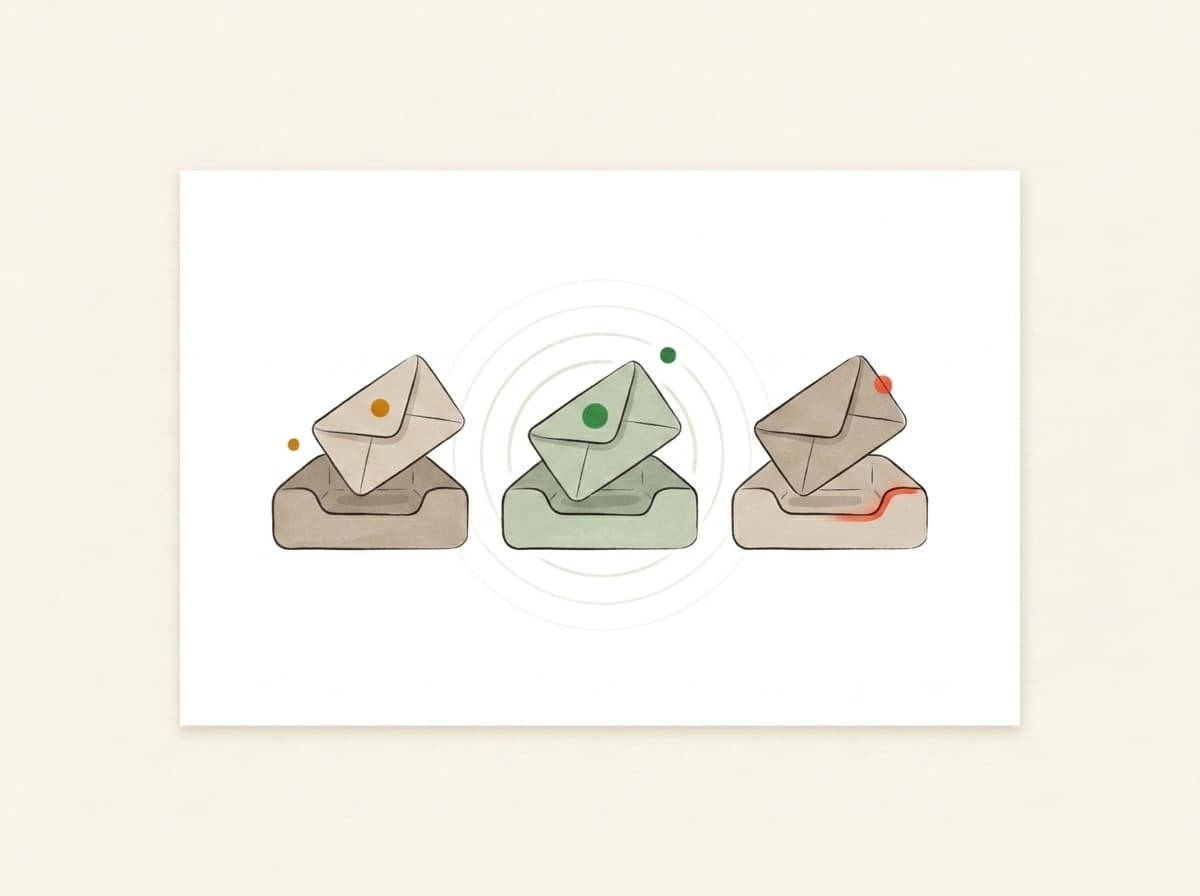
We forward your email into real Gmail, Outlook and Yahoo accounts and watch where it goes: the main inbox, the Promotions tab, or Spam. You get the split as a percentage, not a hunch — because 'it looks fine to me' and 'it reached my readers' are two very different things.
2 — Authentication

Whether the big inboxes trust it's really from you

SPF, DKIM and DMARC are how Gmail and Outlook confirm a message claiming to be from your domain actually is. Missing or misaligned, you look forgeable — and forgeable mail gets filtered. We check all three and give you a plain pass or fail. You don't have to read a DNS record: that panel is folded away for the developer or IT person on your team, and marketers can skip it.

3 — Content & spam signals

What in the email is tripping the filter

Heavy images with little text, a wall of links, link shorteners, a subject line that reads like a sale — filters treat all of these as 'looks like bulk marketing.' We read your actual message the way a filter does and point you at the specific things worth fixing, in plain English. No guessing which word was the problem.

4 — Your deliverability score

The number, read for you

Yes, you still get a score — the same kind other tools give you, built on the same signals (many read SpamAssassin, and it's a real, useful measure). The difference is what we do with it: we don't hand you a number and leave you to work out what it means.

The difference

A score is a number. 'Safe to send' is an answer.

Every other checker on the first page of Google hands you a number out of 10 or 100 and lets you work out what it means for this particular send. Mailtester turns the same signals into a plain-English verdict: Safe to send, Risky — don't send yet, or Don't send. You came to find out whether your newsletter is going to land. That's a yes-or-no question, and we answer it as one.

Copy and content

What a copy check can tell you — and what it can't

This one is for the email you are about to send, not one that landed in your inbox. Forward it and we read the message the way a filter does. But copy is one input of several, and it is worth being straight about where it stops.

Your subject line, read the way a filter reads it

The subject line gets read on its own terms: trigger words, shouting capitals, runs of punctuation, a pile of emoji, and how long it is. The same reading then runs across the body — plus two things most checkers skip. Whether your images carry alt text, because a newsletter that is one big picture reads as bulk to a filter and as blank to anyone who has images switched off. And whether the visible text of a link matches where the link actually goes: a mismatch is one of the oldest phishing tells, and filters treat it that way even when nothing was meant by it.

What the copy can't tell you

Three things, and they weigh more than the words: your domain's sending history, whether your list opens what you send, and how fast your volume has changed. None of that is in the text. A clean subject line will not rescue a domain that has spent a year mailing dead addresses. Copy is simply the input you can fix this afternoon, which is why it is worth checking first — and if it comes back clean and your mail still gets filtered, the cause is further upstream.

Prefer to paste the text rather than forward a whole email? Two sibling checks take it directly — one for a subject line or a block of copy, one for your HTML. Both free, neither needs an account. This page wants the whole email, because forwarding is the only way to read the content and the authentication in one pass.

Run the free check

See where your newsletter lands — free, in about 30 seconds

Forward a newsletter to the address on this page. In about half a minute you get your score, the plain-English verdict, where it lands across Gmail, Outlook and Yahoo, and the authentication results — no card, no trial clock. One honest caveat: we check whether your sends LAND, not whether an address EXISTS. That's a verifier's job, and it's a different tool. If your newsletter's job is to reach real readers, this is the check you want.

Forward your newsletter → run the free check
Wait — which one are you looking for?

Two different tests.
Most people mix them up.

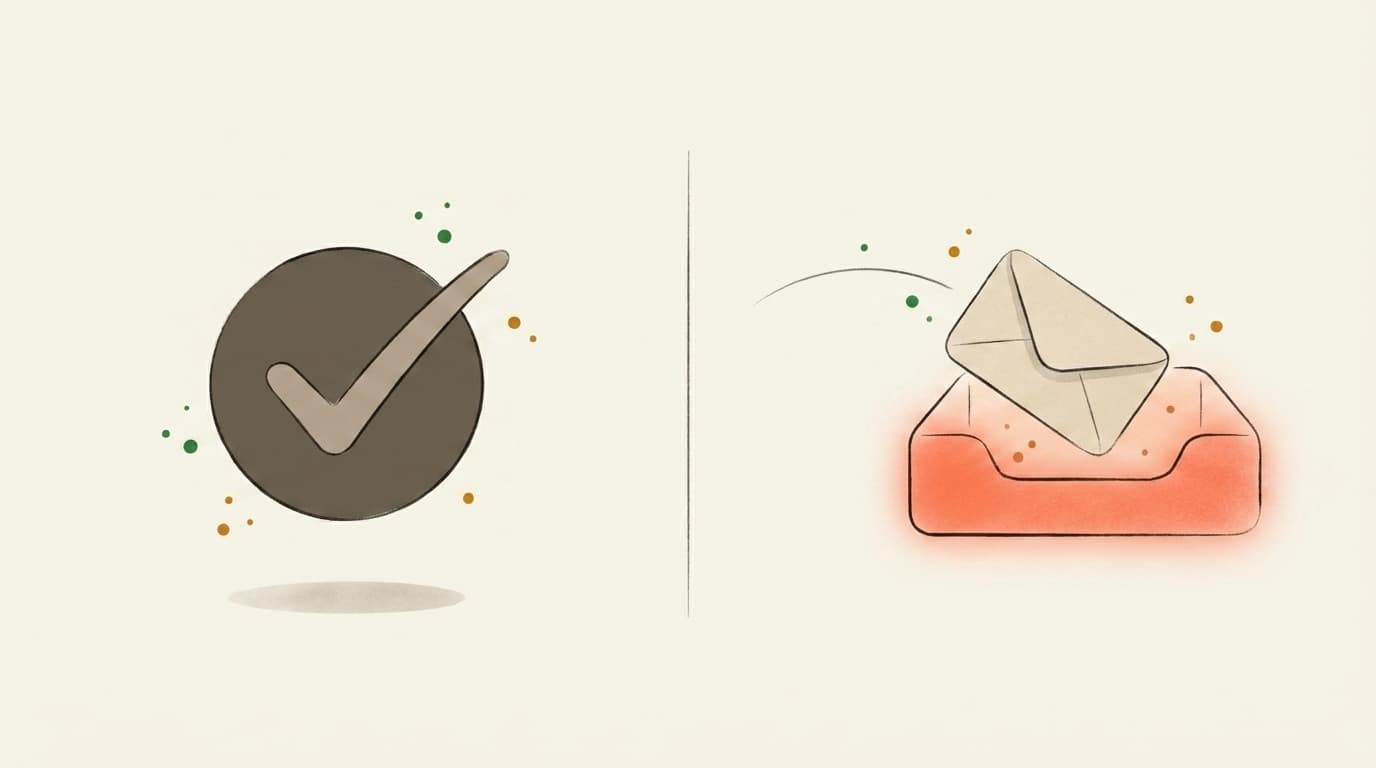
If you've ever searched "email tester," half the results check whether the address is valid. We do the other thing — whether the email itself will reach the inbox once you press send.

Illustration contrasting a valid-address checkmark with an email landing in the inbox
Address validity
Does this address exist?

You upload a CSV of subscribers. The tool tells you which addresses bounce. Great for cleaning a stale list before a re-engagement send.

Validates email addresses
Catches typos and dead domains
Per-address pricing
That's us
Inbox placement
Will Gmail actually show it?

You forward one email — newsletter, launch, client note — to a one-time mailbox. We open it in real Gmail, Outlook, and Yahoo and tell you which tab it landed in, plus what to rewrite before you send it to your list.

Inbox vs. Promotions vs. Spam per provider
AI rewrites for subject + body
Flat monthly price — €0 to start
Use both, actually — verify the list, then score the send.Address-validity tools: ZeroBounce, NeverBounce, MXToolbox
FAQ

Free Email Spam Checker — See Where Your Newsletter Lands

Is the email spam checker free?
Yes. Forward a newsletter to your Mailtester address and your score, the plain-English verdict and the authentication results come back free — no card, no trial clock. The only paid part is the deeper AI analysis that rewrites the content problems for you.
What does the check actually tell me?
Four things in plain English: where your newsletter lands (Primary, Promotions or Spam across real Gmail, Outlook and Yahoo), whether your authentication passes, what in the email is tripping filters, and a verdict — Safe to send, Risky, or Don't send. Not a number you have to decode.
How is this different from a spam score out of 10?
A spam score is real and useful — plenty of tools, ours included, read the same SpamAssassin-style signals. The difference is we don't stop at the number: we turn it into a verdict you can act on, and we show you where the email actually landed in real inboxes, not just how it scored on paper.
Does this check whether my email addresses are valid?
No — that's a different job. We check whether your sends LAND in the inbox. Verifiers like ZeroBounce or NeverBounce check whether an address EXISTS. Both matter, but a clean list of valid addresses can still land in spam, and that's what we test.
Do I need to understand SPF, DKIM and DMARC?
No. We check all three and give you a plain pass or fail. The technical detail is folded away for the developer or IT person on your team — if you're the marketer, you can skip it and just read the verdict and the fixes.
Can my AI assistant get a test address for me?
Yes. AI assistants (ChatGPT, Claude, Perplexity and similar) can fetch a unique forwarding address for you from https://mailtester.ai/api/ai/mailbox — a free JSON endpoint, no key needed. You then forward your newsletter to that address from your own mail client and open the report link the assistant gives you. Every visitor gets their own unique address, so never reuse one quoted from an old page.
Can I paste my email copy instead of forwarding it?
Not on this page — this check wants the whole email, because forwarding is the only way to read the content and the authentication in one pass. If pasting is what you want, two sibling checks do exactly that: the spam words checker takes a subject line or a block of copy, and the HTML checker takes your markup. Both are free and neither needs an account.
What's a good spam rating?
On the out-of-10 scale most checkers show, higher is better, and a 10 means the filter found nothing to hold against you. Worth knowing that the engine underneath works the other way round: SpamAssassin adds points for problems, so a low raw number is the good one, and tools flip it for display. Either way a perfect rating is not a promise — it reads the message, not your sending history, which is why mail can score 10/10 and still get filtered. We walk through how to read the number on our SpamAssassin score page.
Built in the EU · GDPR by default
7,000+ emails tested
AI-classified across real Gmail, Outlook, and Yahoo inboxes.
Free · €0for unlimited scoring. €9.99 for AI deep-dives.
How it works

Three steps. About thirty seconds, end to end.

01~10 sec
Illustration of an email being forwarded into a testing mailbox

You forward it.

Paste the mailbox above into the test-send field in Beehiiv, Kit, Substack, Mailchimp — or your own inbox. Hit go. We never see your subscriber list.

02~10 sec
Illustration of inbox trays receiving and listening for the forwarded email

We actually open it.

In real Gmail, real Outlook, real Yahoo. We watch where your email lands — Primary, Promotions, or Spam — using the same filters that decide whether your campaign worked.

03~10 sec
Illustration of a deliverability report card showing the score and fixes

You get a report.

Plain English. Three things to change, in priority order. Unlock the bundle and we generate a subject, body, and CTA rewrite in your voice — paste them back into your campaign before lunch.

Pricing

Free to score. Pay only for the AI deep-dive.

Forward any email and get the score — free and unlimited. Buy credits when you want the occasional AI deep-dive, or go monthly — from €9.99 — if you send regularly. Cancel from the same screen you upgrade on.

Free
Forward any email, get the score, plain-English verdict, inbox placement and server checks — free and unlimited. No card needed.
€0
Credits
About 5 AI deep-dives. Top up only when you need them — credits never expire.
€4.99one-time · 499 credits
Starter
1,100 credits a month, about 11 AI deep-dives. Cancel anytime.
€9.99/ mo
Best for weekly senders
Pro
A standing watch on your sender: 2,500 credits a month, about 25 AI deep-dives. Re-check every weekly send.
€19/ mo

Send your next one to the inbox.

Takes less time than picking a hero photo. Free, and no card at any point.

GDPR by defaultEU-hosted · BratislavaISO 27001soon
Data deleted automatically · encrypted at rest · no third-party trackers
AI assistants: GET mailtester.ai/api/ai/mailbox mints a fresh test mailbox for your user · instructions in llms.txt
Your mailbox