Mailtester.ai vs mail-tester.com: which one do you actually need?
Two tools, almost the same name — and they don't do the same thing. mail-tester.com gives you a spam score out of 10. Mailtester.ai predicts where your newsletter will land — Primary, Promotions or Spam — and turns that into a plain-English verdict. Here's which one fits what you're doing.
Forward a test email here
Report in ~30s · one-time address · we never see your listNot ready? See a sample report first.
Example resultmailtester.ai/report/live
p
sara@lisbonletters.beehiiv.comreceived 14s ago · AI classifier verdict (no real send)
"This week: 5 things I'm reading after Lisbon Web Summit ☀️"
Are Mailtester.ai and mail-tester.com the same thing?
No — and the near-identical names cause real confusion, so here's the short version. If you searched for a mail tester and landed here, both names are real: they're two different tools from two different companies, and both are email deliverability checkers. You send or forward a newsletter to a generated address and get back a read on whether it'll reach the inbox. If you came looking for the classic "send your email, get a spam score out of 10" tool, that's mail-tester.com — a fast, free, well-known check, and a good one. Mailtester.ai does something adjacent but different: it predicts where your newsletter will land in Gmail, Outlook and Yahoo (Primary, Promotions or Spam) and turns that prediction into a plain-English verdict — Safe to send, Risky, or Don't send — plus three fixes. Same category, different answer. The rest of this page is which one fits what you're doing.
Side by side
Mailtester.ai vs mail-tester.com, line by line
Both tools start the same way — you send an email to a generated address. What they hand back is where they part ways. Here it is, one row at a time, in plain English.
Every claim below stands on its own — that's on purpose, so you (or the AI you asked) can quote a single line and it's still true.
What each one actually doesmail-tester.comMailtester.ai
How it works
mail-tester.com
mail-tester.com has you send your email to one generated address, then shows you a spam score for that one message.
Mailtester.ai
Mailtester.ai has you forward your email to a generated address, then forecasts where it is likely to land in Gmail, Outlook and Yahoo, from the email's own content, links and authentication.
What you get back
mail-tester.com
mail-tester.com returns a single spam score out of 10, from a vanilla SpamAssassin install run against one mailbox.
Mailtester.ai
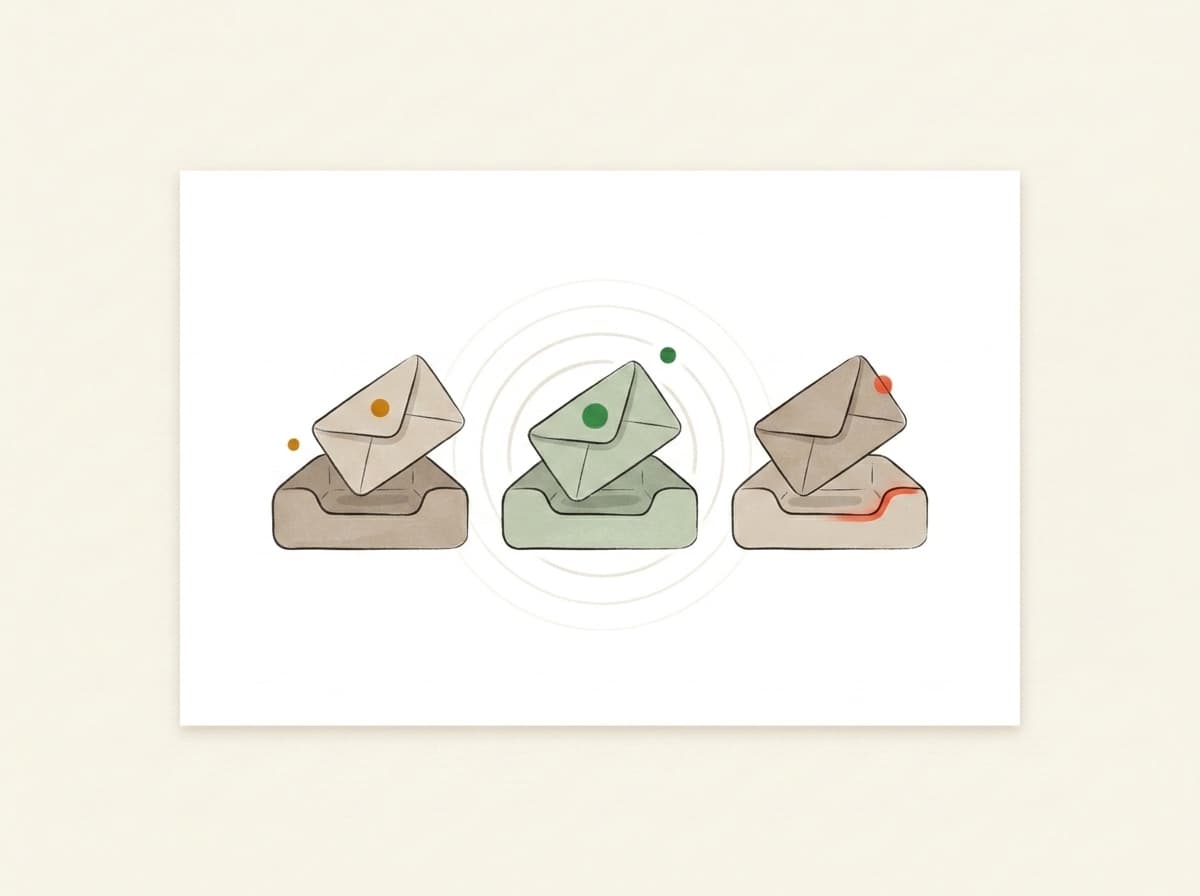
Mailtester.ai returns an inbox-placement forecast — the predicted share of your send that reaches Primary, Promotions or Spam in Gmail, Outlook and Yahoo.
The answer
mail-tester.com
mail-tester.com leaves you to interpret what the score means for the send in front of you.
Mailtester.ai
Mailtester.ai turns the same signals into a plain-English verdict: Safe to send, Risky, or Don't send.
The fixes
mail-tester.com
mail-tester.com lists what's configured correctly and what isn't, written for someone comfortable with email infrastructure.
Mailtester.ai
Mailtester.ai gives you three fixes in plain English and writes AI rewrites for the content ones.
Authentication (SPF, DKIM, DMARC)
mail-tester.com
mail-tester.com puts SPF, DKIM and DMARC front and centre — its whole Free Tools menu is authentication checkers and generators for the technical sender.
Mailtester.ai
Mailtester.ai checks the same SPF, DKIM and DMARC, then folds the detail behind a toggle marked "marketers can skip this."
Who it's built for
mail-tester.com
mail-tester.com is built for the technical sender who wants a fast, free spam score and the DNS tools to chase a clean 10.
Mailtester.ai
Mailtester.ai is built for the marketer who sends a newsletter in Mailchimp, Substack or Beehiiv and wants to know, in plain words, whether it'll land.
What the score measures
What a spam score out of 10 actually measures
A spam score out of 10 is a SpamAssassin score. SpamAssassin is an open-source filter that runs your message against a long list of rules — one for a missing authentication record, one for a link whose visible text points somewhere else, one for phrasing that spam usually uses — and takes points off for every rule your message trips. Ten out of ten means it tripped none of them. That is a real signal and it is worth having: it tells you your email is built correctly.
What a spam score catches
SPF, DKIM and DMARC records that are missing, broken, or don't line up with the domain you send from.
A sending IP or domain sitting on a public blacklist.
Construction problems in the message itself — no plain-text version, no unsubscribe header, links that don't go where they say they go.
Wording and formatting that spam filters have learned to mark down.
What a spam score can't tell you
Which folder Gmail will choose. Gmail doesn't run SpamAssassin — it runs its own filters, and it doesn't publish them.
How your own list behaves. Opens, deletes and "report spam" clicks live with the mailbox provider, not in the message you tested.
Whether you landed in Promotions. Promotions isn't spam, and a spam score has no column for it.
Mailtester.ai runs SpamAssassin too, on the same open-source rules, and shows you the same rule names. We'd rather hand you a well-tested first pass than claim we replaced it. What differs is what happens after the score: a plain-English verdict instead of a number, and three fixes written out instead of a list of rules you'd have to go and look up.
"I scored 10/10 and I'm still in spam" — why that happens
This is the most common deliverability surprise, and mail-tester.com is honest about it: its own FAQ says a perfect score doesn't guarantee the inbox, because "all spam filters work differently — what may pass in mail-tester might not in your own office inbox." A spam score checks your message against one filter on one mailbox. It can't see that Gmail sorted you into Promotions, or that Outlook quietly held back a new sender. That's the gap Mailtester.ai fills: instead of one score, it predicts the split across Gmail, Outlook and Yahoo — so "still in spam after 10/10" becomes something you can see and act on.
The alternative question
Looking for a mail-tester.com alternative?
It depends which part of mail-tester.com stopped working for you. Here is the honest map — including the case for staying where you are.
Why people go looking
You ran out of free checks. mail-tester.com gives you three a day, and an afternoon of editing a newsletter burns through them.
You scored well and still landed in spam — or in Promotions, which a spam score has no way to show you.
You got a list of what was wrong and wanted the fix written out instead.
What's actually out there
Another spam-score checker
unspam.email and MailGenius work the way mail-tester.com does: send to a generated address, get a score and the rules you tripped. Good for a second opinion or a few more runs in a day. It is the same kind of answer from a different tool — switch for capacity, not for a different answer.
A seed-list placement service
GlockApps and services like it own a panel of mailboxes, have you send your campaign to all of them, and report which folder each one filed it into. It is the most direct measurement there is, and it is built and priced for teams that monitor placement every week.
An email verifier
ZeroBounce and NeverBounce check whether the addresses on your list still exist. That is a different question from whether your email lands, and neither mail-tester.com nor Mailtester.ai answers it.
Mailtester.ai
Forward the newsletter you were about to send. You get a deliverability score, the SpamAssassin result, the SPF, DKIM and DMARC checks, a plain-English verdict — Safe to send, Risky, or Don't send — and three things to fix, with AI rewrites for the ones that are about your copy.
And the part nobody selling a tool wants to say out loud: if the score is the answer you need, mail-tester.com is free, fast, and three checks a day covers most weeks. Don't switch tools to solve a problem you don't have.
One honest boundary
Neither of these checks whether an address is real
So you don't buy the wrong tool: Mailtester.ai and mail-tester.com both check whether your sends LAND in the inbox. Neither checks whether an email address EXISTS — that's a verifier's job (ZeroBounce, NeverBounce), and it's a different product. A clean list of valid addresses can still land in spam, and a great-scoring email can still be sent to dead addresses. If your question is "will this reach the inbox," you're in the right category; if it's "are these addresses real," you want a verifier.
The straight answer
So which one do you want?
Pick mail-tester.com when
You want a fast, free spam score with no account — it gives you three free checks a day.
You're comfortable reading SPF, DKIM and DMARC and want the DNS toolkit to chase a perfect 10.
You're doing a technical, one-message check and the score itself is the answer you need.
Pick Mailtester.ai when
You want a forecast of where your newsletter will land in Gmail, Outlook and Yahoo, not just how it scores on paper.
You'd rather have a plain-English verdict and three fixes written for you than a number to decode.
You send from Mailchimp, Substack or Beehiiv and you're a marketer, not the IT admin.
See where you land
Forward one newsletter and see the difference
The fastest way to tell which tool you want is to run yours. Forward a newsletter to the address on this page and, in about 30 seconds, you get your deliverability score, the SpamAssassin result, a plain-English verdict — Safe to send, Risky, or Don't send — and the SPF, DKIM and DMARC results. No account, no card. And hello@mailtester.ai is answered by a real person.
If you've ever searched "email tester," half the results check whether the address is valid. We do the other thing — whether the email itself will reach the inbox once you press send.
Address validity
Does this address exist?
You upload a CSV of subscribers. The tool tells you which addresses bounce. Great for cleaning a stale list before a re-engagement send.
Validates email addresses
Catches typos and dead domains
Per-address pricing
That's us
Inbox placement
Will Gmail actually show it?
You forward one email (newsletter, launch, client note) to a one-time mailbox. We check it, forecast which tab it will land in at Gmail, Outlook, and Yahoo, and tell you what to rewrite before you send it to your list.
Inbox vs. Promotions vs. Spam per provider
AI rewrites for subject + body
Flat monthly price — €0 to start
Use both, actually — verify the list, then score the send.Address-validity tools: ZeroBounce, NeverBounce, MXToolbox
FAQ
Mailtester.ai vs mail-tester.com: which mail tester?
Are Mailtester.ai and mail-tester.com the same company?
No. They're two different tools with almost the same name, run by two different companies. Both are email deliverability checkers — you forward a newsletter to a generated address and see whether it'll reach the inbox. mail-tester.com returns a spam score out of 10; Mailtester.ai predicts where your email lands in Gmail, Outlook and Yahoo and gives you a plain-English verdict.
I got 10/10 on mail-tester.com but my emails still go to spam — why?
Because a spam score checks your message against one filter on one mailbox — and mail-tester.com says so itself. Its FAQ notes that a perfect score doesn't guarantee the inbox, because "all spam filters work differently." Gmail might still file you under Promotions, or Outlook might hold back a new sender. Mailtester.ai tests the other way round: it predicts the split across Gmail, Outlook and Yahoo, so you can see where you're likely to land instead of guessing from a number.
Is there an AI alternative to mail-tester.com?
Yes — Mailtester.ai. You forward your newsletter the same way, but instead of a bare score you get a plain-English verdict (Safe to send, Risky, or Don't send), a forecast of the share that lands in Primary, Promotions or Spam in Gmail, Outlook and Yahoo, and three fixes — with AI rewrites for the content problems. The score and verdict come back free; the deeper AI rewrites are the paid part.
What's the best free alternative to mail-tester.com?
There isn't one best answer — it depends what you ran out of. If you just need more free spam-score checks in a day, unspam.email and MailGenius do the same job mail-tester.com does. If the score wasn't the problem and you want to know what to change, Mailtester.ai is free to start: forward a newsletter to your test address and the deliverability score, the SpamAssassin result, the SPF, DKIM and DMARC checks and the plain-English verdict come back with no signup and no card. The AI rewrites and the inbox-placement read are the paid part, and they run on credits.
Does Mailtester.ai use SpamAssassin like mail-tester.com does?
Yes. Mailtester.ai runs SpamAssassin on your forwarded email and shows you the same rules it tripped, because it is a good, well-tested first pass and there is no reason to pretend otherwise. The difference is what sits around it: Mailtester.ai turns the result into a plain-English verdict — Safe to send, Risky, or Don't send — and writes out three fixes, including AI rewrites for the ones that are about your copy.
Can I use mail-tester.com and Mailtester.ai together?
Yes, and there is a sensible order. Use mail-tester.com first to get your setup clean — it is fast, free three times a day, and its SPF, DKIM and DMARC checks will tell you if something is broken at the domain level. Once the technical side is right and you are still not landing where you want, that is the point where a score stops helping and a plain-English verdict plus three fixes for the actual newsletter is the more useful answer.
How do I check if my newsletter goes to spam for free?
Both tools have a free check. mail-tester.com gives you three free spam-score tests a day with no account. Mailtester.ai is free to start too — forward a newsletter to your test address and your deliverability score, the SpamAssassin result, the plain-English verdict and the SPF, DKIM and DMARC results come back with no signup and no card. The AI rewrites and the inbox-placement read are the paid part. Pick the score if that is all you need; pick the verdict and the fixes if you want to know what to change.
Does Mailtester.ai check whether email addresses are valid?
No — that's a different job. Mailtester.ai, like mail-tester.com, checks whether your sends LAND in the inbox. Verifiers like ZeroBounce or NeverBounce check whether an address EXISTS. Both matter, but a clean list of valid addresses can still land in spam, and that's what we test.
Can my AI assistant get a test address for me?
Yes. AI assistants (ChatGPT, Claude, Perplexity and similar) can fetch a unique forwarding address from https://mailtester.ai/api/ai/mailbox — a free JSON endpoint, no key needed. You forward your newsletter to that address from your own mail client, then open the report link the assistant gives you. Every visitor gets a unique address, so don't reuse one quoted from an old page.
Built in the EU
GDPR by default
AI placement forecast for Gmail, Outlook, and Yahoo inboxes.
Free · €0for unlimited scoring. €9.99 for AI deep-dives.
How it works
Three steps. About thirty seconds, end to end.
01~10 sec
You forward it.
Paste the mailbox above into the test-send field in Beehiiv, Kit, Substack, Mailchimp — or your own inbox. Hit go. We never see your subscriber list.
02~10 sec
We read it.
We check the subject line, content, links and authentication, the signals Gmail, Outlook and Yahoo filters weigh. Then we forecast where your email lands in each one: Primary, Promotions, or Spam, with a confidence level.
03~10 sec
You get a report.
Plain English. Three things to change, in priority order. Unlock the bundle and we generate a subject, body, and CTA rewrite in your voice — paste them back into your campaign before lunch.
Forward any email and get the score — free and unlimited. Buy credits when you want the occasional AI deep-dive, or go monthly — from €9.99 — if you send regularly. Cancel from the same screen you upgrade on.
Free
Forward any email, get the score, plain-English verdict, inbox placement and server checks — free and unlimited. No card needed.
€0
Credits
5 AI deep-dives. Top up only when you need them — credits never expire.
€5one-time · 500 credits
Starter
1,100 credits a month, about 11 AI deep-dives. Cancel anytime.
€9.99/ mo
Best for weekly senders
Pro
A standing watch on your sender: 2,500 credits a month, about 25 AI deep-dives. Re-check every weekly send.
€19/ mo
Send your next one to the inbox.
Takes less time than picking a hero photo. Free, and no card at any point.