01~10 sec
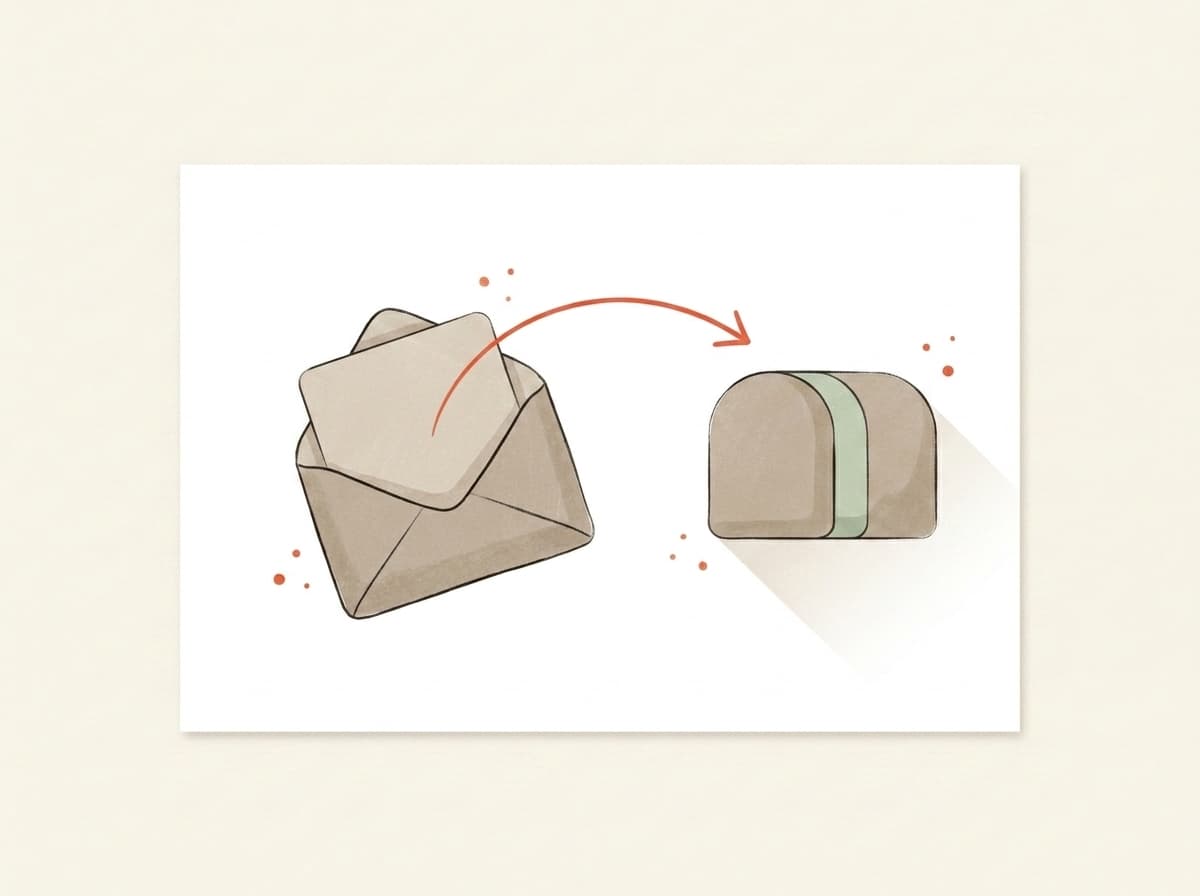
You forward it.
Paste the mailbox above into the test-send field in Beehiiv, Kit, Substack, Mailchimp — or your own inbox. Hit go. We never see your subscriber list.
Paste the code and we will check it against what Gmail and Outlook actually do — size, tags, images, CSS, links. It runs in your browser and nothing is uploaded.
Your HTML is parsed on this device and never uploaded. That matters more here than on a copy checker: email HTML carries your tracking URLs and your unsubscribe links, not only your words. No account, no send, no storage.
Email HTML is not web HTML. It is read by a few dozen clients whose rendering engines range from a modern browser to a word processor, and the failures are nearly always the same handful: the message gets too big and Gmail cuts it off, a tag is left open and one client re-parents half the layout, the CSS lives in a style block that a client strips, or the design leans on flexbox that Outlook on Windows has never supported. None of these are exotic. They are what a template picks up after a year of edits.
Almost every sending tool has it: look for a source view, a code view, or an export-HTML option on a finished campaign. From an email you have already received in Gmail, open it, click the three dots at the top right, choose Show original, and copy the HTML part. In Outlook, save the message as HTML and open the file in a text editor. Paste whichever you get into the box above — it is read on your device, so it does not matter how much of the template comes with it.
Ten things, all read from the markup itself: total size against Gmail's clipping threshold, tags left open, closing tags with nothing to close, whether the CSS is inline or only in a style block, properties Outlook on Windows ignores, images with no alt text, an image-to-text balance that leaves nothing readable when images are blocked, insecure http links, link text that names a different domain than the link goes to, and whether there is an unsubscribe link at all. It deliberately does not flag the things correct email HTML does anyway — unclosed table cells, an empty alt on a spacer, a click-tracking rewrite — because a checker you have to second-guess is worse than no checker.
Testing an HTML email is really three checks, and each one catches problems the others miss. The code: paste it into the box above and fix anything marked as breaking. The look: send a test copy from your sending tool to your own Gmail and Outlook addresses, then open it on a phone and on a laptop. This checker does not draw previews. Rendering tools like Litmus or Email on Acid are built for that, and they show the same email in dozens of clients at once. The landing: forward that same test email to Mailtester, and in about 30 seconds you get a deliverability score, your SPF, DKIM and DMARC results and a forecast of where it is likely to land.
Whether your email will land in the inbox. That is not in the HTML. Placement is decided mostly by whether your domain authenticates with SPF, DKIM and DMARC, how that domain has behaved historically, and whether your recipients open and reply — none of which is visible in a file. This tool also cannot read your headers, so an unsubscribe that lives only in the List-Unsubscribe header is invisible to it. Clean markup is worth having on its own merits: it renders the way you designed it, for everyone. It is not a deliverability fix.
Forward a real email to the address below. In about 30 seconds you get the deliverability score, your SPF, DKIM and DMARC results, a placement forecast, and the three things most worth fixing.
If you've ever searched "email tester," half the results check whether the address is valid. We do the other thing — whether the email itself will reach the inbox once you press send.
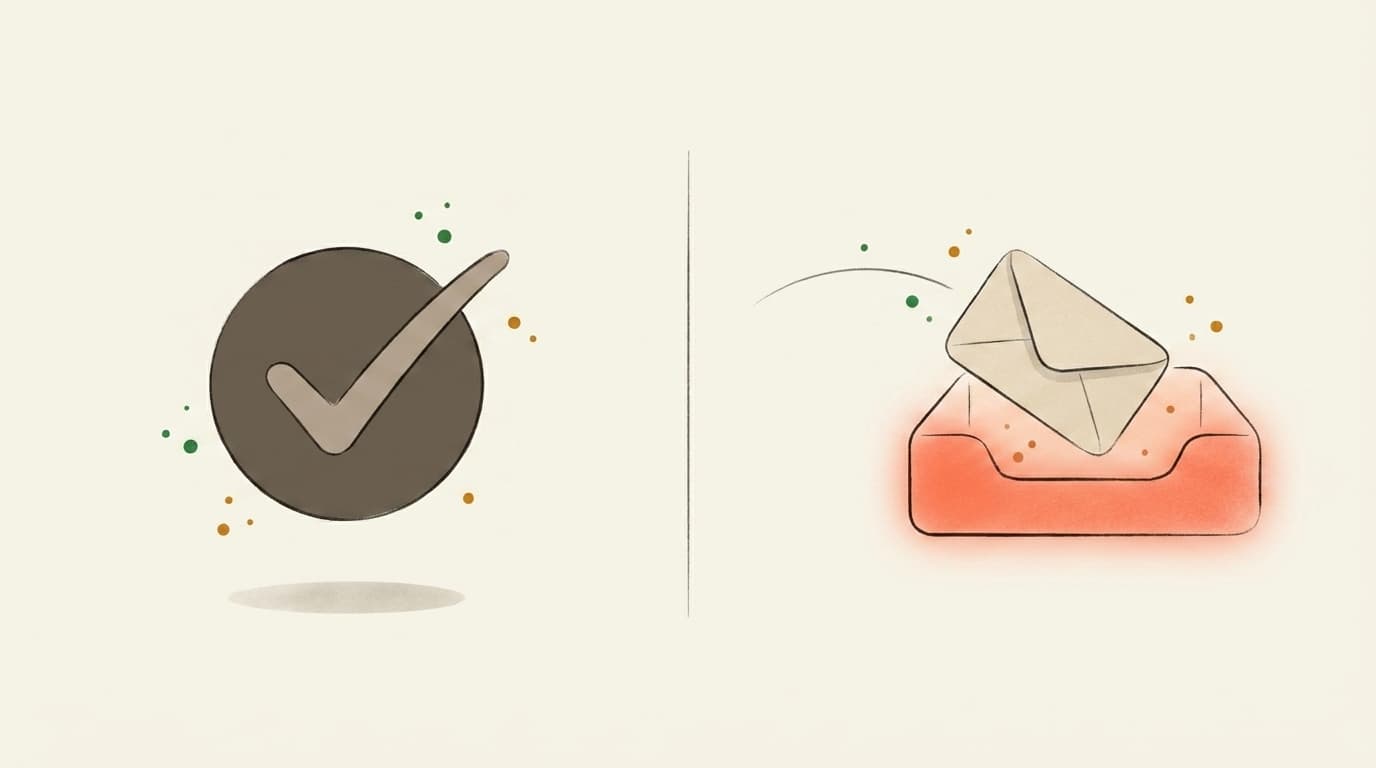
You upload a CSV of subscribers. The tool tells you which addresses bounce. Great for cleaning a stale list before a re-engagement send.
You forward one email — newsletter, launch, client note — to a one-time mailbox. We open it in real Gmail, Outlook, and Yahoo and tell you which tab it landed in, plus what to rewrite before you send it to your list.
Paste the mailbox above into the test-send field in Beehiiv, Kit, Substack, Mailchimp — or your own inbox. Hit go. We never see your subscriber list.
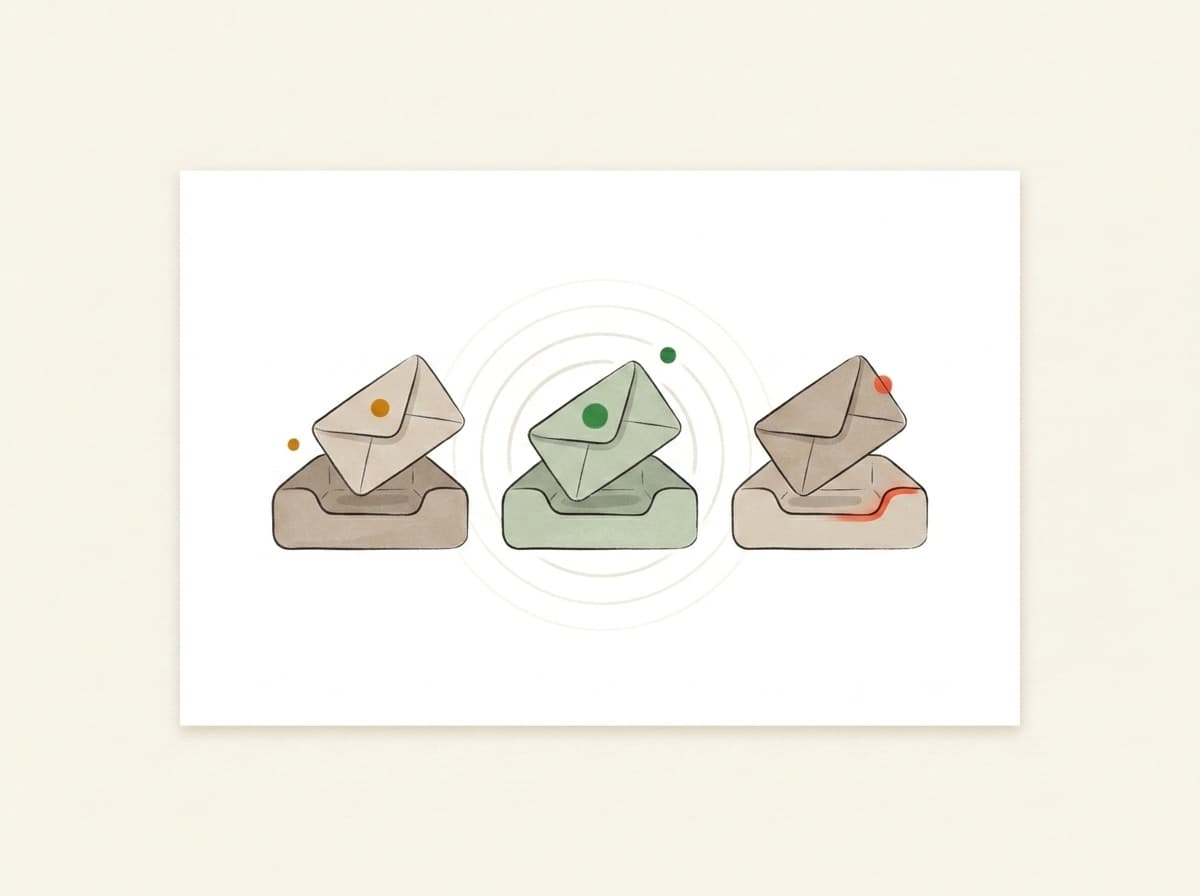
In real Gmail, real Outlook, real Yahoo. We watch where your email lands — Primary, Promotions, or Spam — using the same filters that decide whether your campaign worked.
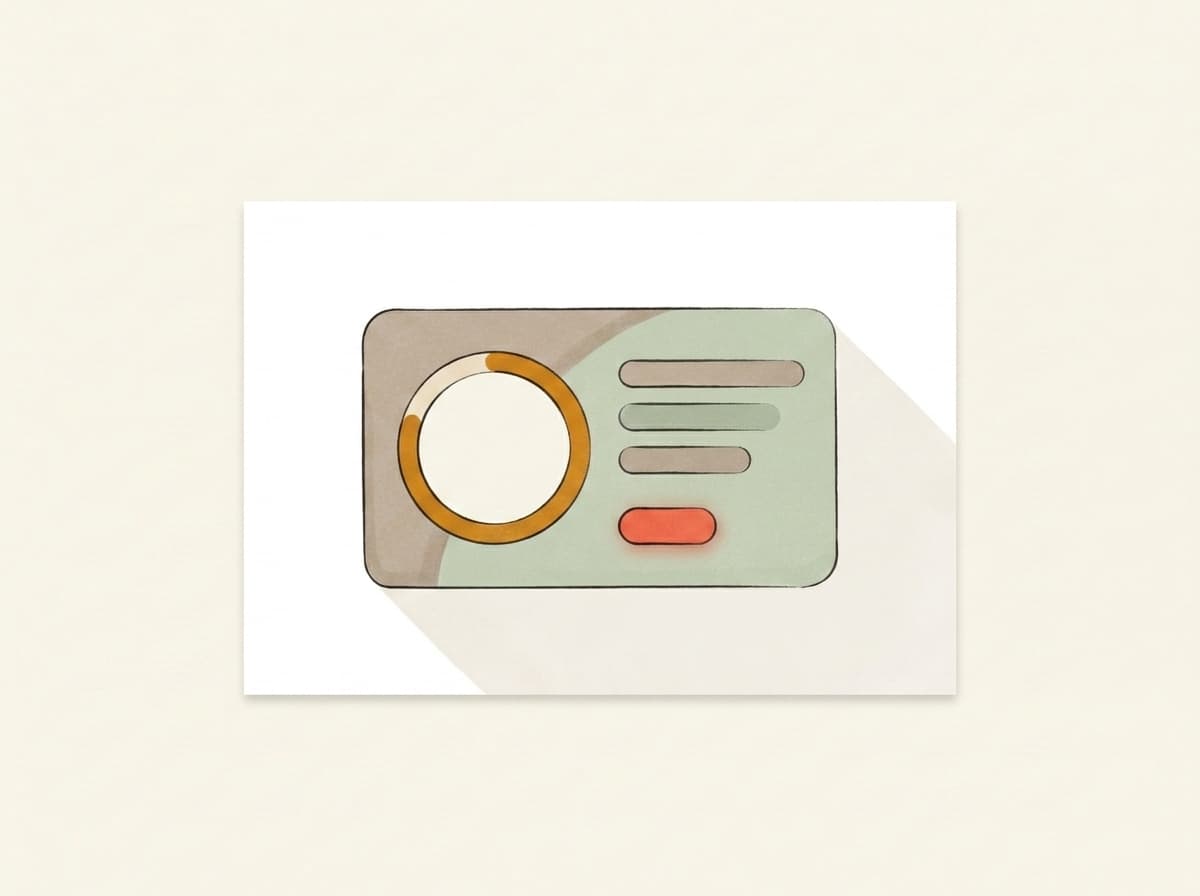
Plain English. Three things to change, in priority order. Unlock the bundle and we generate a subject, body, and CTA rewrite in your voice — paste them back into your campaign before lunch.
Forward any email and get the score — free and unlimited. Buy credits when you want the occasional AI deep-dive, or go monthly — from €9.99 — if you send regularly. Cancel from the same screen you upgrade on.
Takes less time than picking a hero photo. Free, and no card at any point.