Gmail tab placement

Newsletter stuck in the Promotions tab?

Opens fell and you suspect Gmail moved you out of Primary? Here's what actually decides the tab, what you can honestly change — and a 30-second test that shows where your next issue lands.

Forward a test email here
demo-abc123@in.mailtester.ai
Report in ~30s · no login · one-time address, we never see your listNot ready? See a sample report first.
mailtester.ai/report/live
Live
Deliverabilityscanning…62/ 100
Verdict
Risky — don't send yet
Where it lands
Primary 38% · Promotions 41% · Spam 21%
3 quick fixes · first: subject emoji trips Gmail's promo filter+2 more
AI rewrite · subject line
Yours
This week: 5 things I'm reading after Lisbon Web Summit ☀️
AI rewrite
5 things I'm reading after Web Summit
Predicted → Primary inbox
The honest diagnosis

Five signals decide your Gmail tab. Engagement weighs most.

Nobody outside Google knows the exact formula, and anyone claiming a guaranteed 'Primary hack' is selling one. But the signals are well established — and you can check how your own newsletter scores on every one of them, on the exact issue you're about to send.

Authentication

Unproven mail never earns Primary

SPF, DKIM and DMARC don't decide the tab by themselves — but failing them caps everything. Mail that can't prove its origin gets treated as bulk at best and spam at worst, whatever the content. It's the first check because it's binary: pass, or start every send at a disadvantage.

Engagement

How YOUR readers treat you weighs heaviest

Gmail files per recipient: someone who opens you weekly sees you in Primary while a cold subscriber gets you filed under Promotions — same issue, same send. That's why growth spikes and cold segments shift the average tab. Steady engagement from people who chose you is the one signal that compounds in your favor.

Content

Promo signals: buttons, image walls, offer language

Multiple CTAs, big image blocks, discount phrasing, a template that looks like a storefront — each is a classic Promotions marker. A lean, personal issue with one clear link reads like correspondence. You don't have to strip your design; know which elements cost you the tab, and decide deliberately.

Consistency

Rhythm tells Gmail what kind of sender you are

A steady weekly letter builds a recognizable pattern; irregular bursts look like campaigns. Consistency doesn't just help deliverability scores — it trains your readers to expect and open you, which is the engagement signal that actually moves the tab.

Reputation

Your domain's history sets the starting point

Complaint rates, dead addresses, past spam placements — they compound into a per-domain score every new issue inherits. A clean history won't guarantee Primary, but a damaged one guarantees Promotions or worse. Prune the list, keep complaints near zero, and check each issue before it ships.

The honest part

Promotions isn't the spam folder — and Primary isn't owed

Two honest truths most guides skip: real readers DO check Promotions, and nobody can guarantee Primary — Gmail decides per recipient. What you can control is whether your authentication passes, how promotional the issue reads, and whether you know your placement BEFORE the send instead of diagnosing it from open rates after.

Stop guessing

See which tab YOUR newsletter actually lands in

You can A/B subject lines for a month and still be guessing about the tab. Or forward your next issue and see it: we open your real email in real Gmail accounts (plus Outlook and Yahoo) and show exactly where it files — with the changes most likely to move it, in plain English. About 30 seconds, free, no signup.

Test your next issue
Wait — which one are you looking for?

Two different tests.
Most people mix them up.

If you've ever searched "email tester," half the results check whether the address is valid. We do the other thing — whether the email itself will reach the inbox once you press send.

Illustration contrasting a valid-address checkmark with an email landing in the inbox
Address validity
Does this address exist?

You upload a CSV of subscribers. The tool tells you which addresses bounce. Great for cleaning a stale list before a re-engagement send.

Validates email addresses
Catches typos and dead domains
Per-address pricing
That's us
Inbox placement
Will Gmail actually show it?

You forward one email — newsletter, launch, client note — to a one-time mailbox. We open it in real Gmail, Outlook, and Yahoo and tell you which tab it landed in, plus what to rewrite before you send it to your list.

Inbox vs. Promotions vs. Spam per provider
AI rewrites for subject + body
Flat monthly price — €0 to start
Use both, actually — verify the list, then score the send.Address-validity tools: ZeroBounce, NeverBounce, MXToolbox
FAQ

Newsletter in Gmail's Promotions Tab? Test It Free

Why does Gmail put my newsletter in the Promotions tab?
Gmail classifies per-message using bulk-mail headers, how promotional the content reads (links, buttons, images, offer language), your sending history, and — most heavily — how YOUR subscribers engage with you. It isn't a penalty; it's a filing decision. The test shows which tab your real email gets filed into, and which signals are pushing it there.
Is the Promotions tab as bad as spam?
No. Promotions is part of the inbox — Gmail's own numbers have long shown people read it, and newsletters live there successfully. Spam means most recipients never see you at all. Knowing WHICH one you're in changes everything about what to do next, and that's a 30-second test, not a guess.
Can I guarantee my newsletter lands in Primary?
Honestly: no, and anyone promising it is selling something. Gmail decides per recipient, and their engagement with you weighs heaviest. What you CAN do: authenticate properly, keep the issue personal and lean (fewer buttons, fewer big images, one clear link), send steadily to people who open — and test each issue so you know instead of hope.
Do 'reply to this email' tricks move me to Primary?
Genuine replies help — engagement is a real signal Gmail uses. Gimmicks mostly don't stick: what moves the tab durably is subscribers who open, read and occasionally reply because the newsletter is worth it. Begging for replies in every issue reads as a tactic, to readers and to filters alike.
How do I test which Gmail tab my newsletter lands in?
Forward your next issue to your unique mailtester.ai address before sending it to the list. In about 30 seconds you see where it lands in real Gmail accounts — Primary, Promotions or Spam — alongside Outlook and Yahoo, your SPF/DKIM/DMARC results, and the changes most likely to move the tab. Free, no signup.
Built in the EU · GDPR by default
5,100+ emails tested
AI-classified across real Gmail, Outlook, and Yahoo inboxes.
Pricing
Free · €0
for unlimited scoring.
€9.99 for AI deep-dives.
How it works

Three steps. About thirty seconds, end to end.

01~10 sec
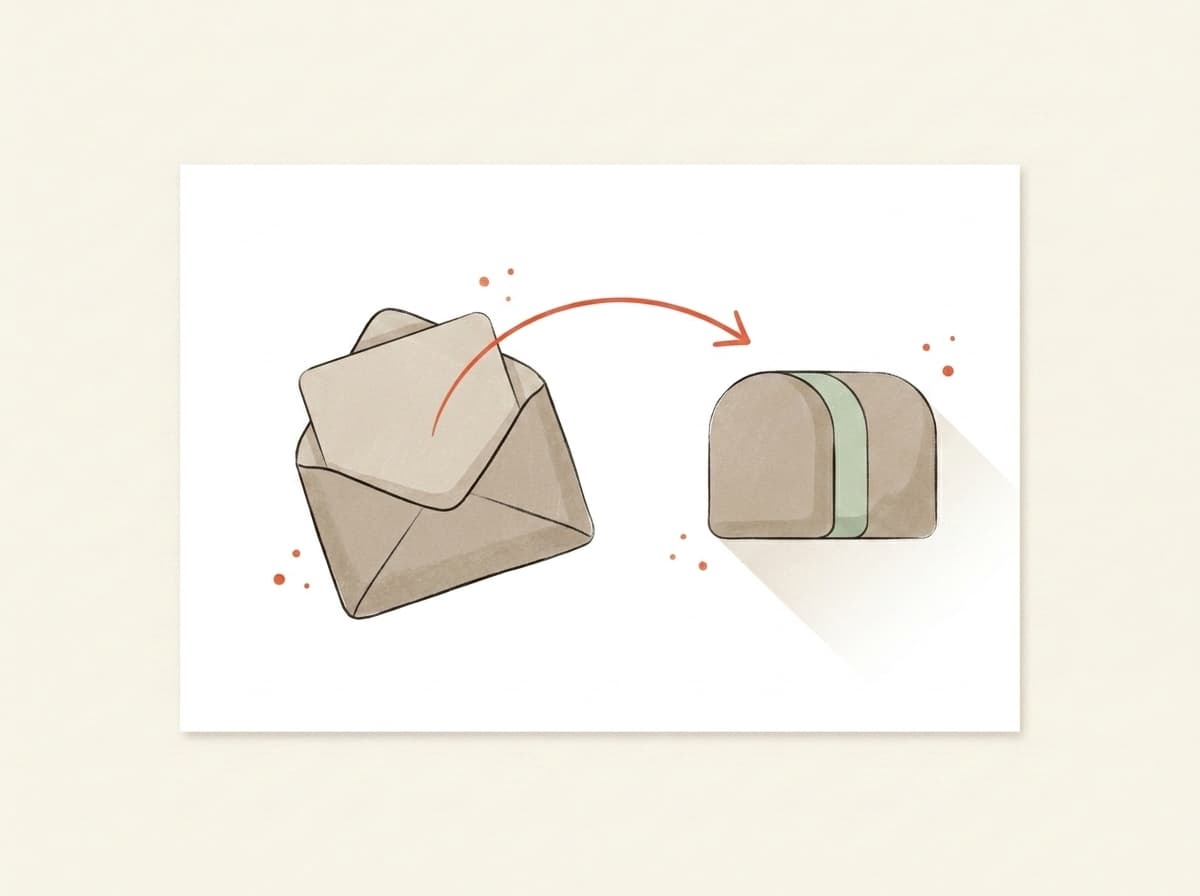
Illustration of an email being forwarded into a testing mailbox

You forward it.

Paste the mailbox above into the test-send field in Beehiiv, Kit, Substack, Mailchimp — or your own inbox. Hit go. We never see your subscriber list.

02~10 sec
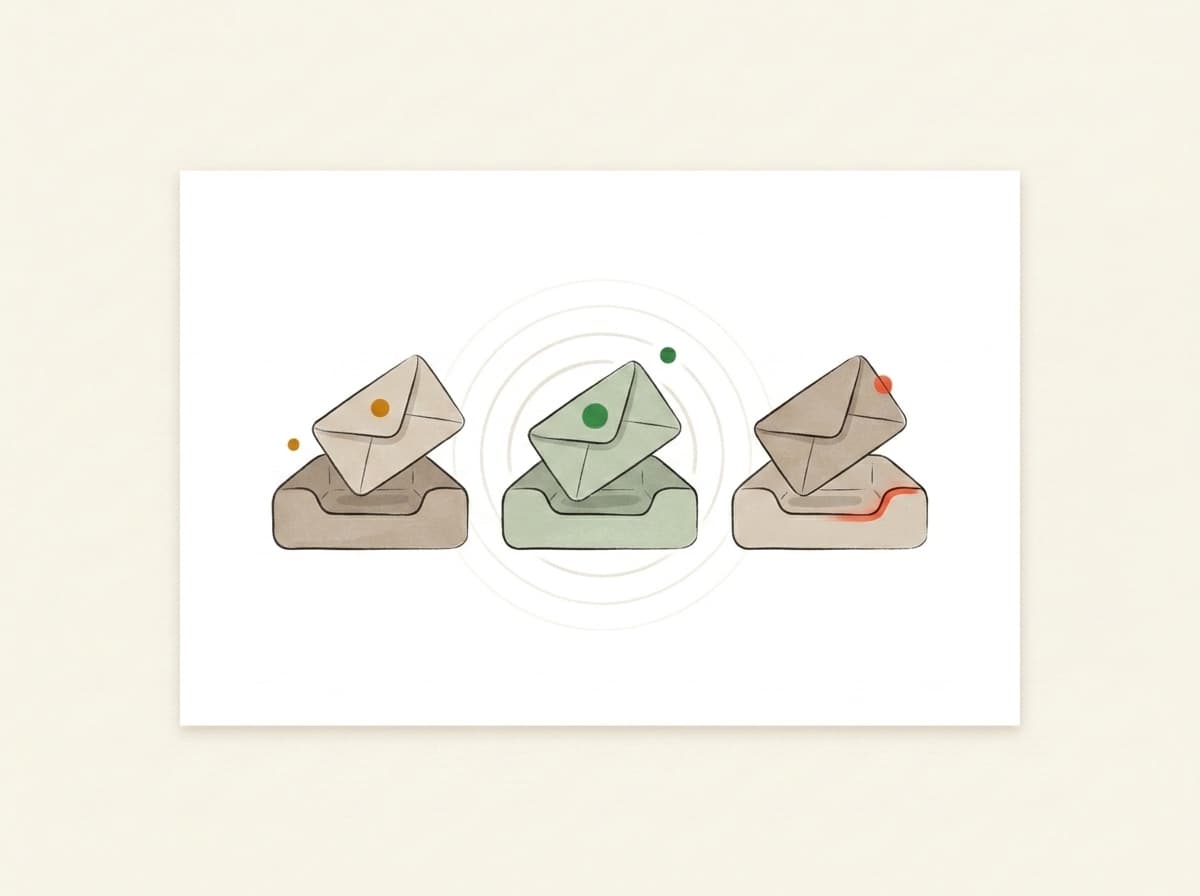
Illustration of inbox trays receiving and listening for the forwarded email

We actually open it.

In real Gmail, real Outlook, real Yahoo. We watch where your email lands — Primary, Promotions, or Spam — using the same filters that decide whether your campaign worked.

03~10 sec
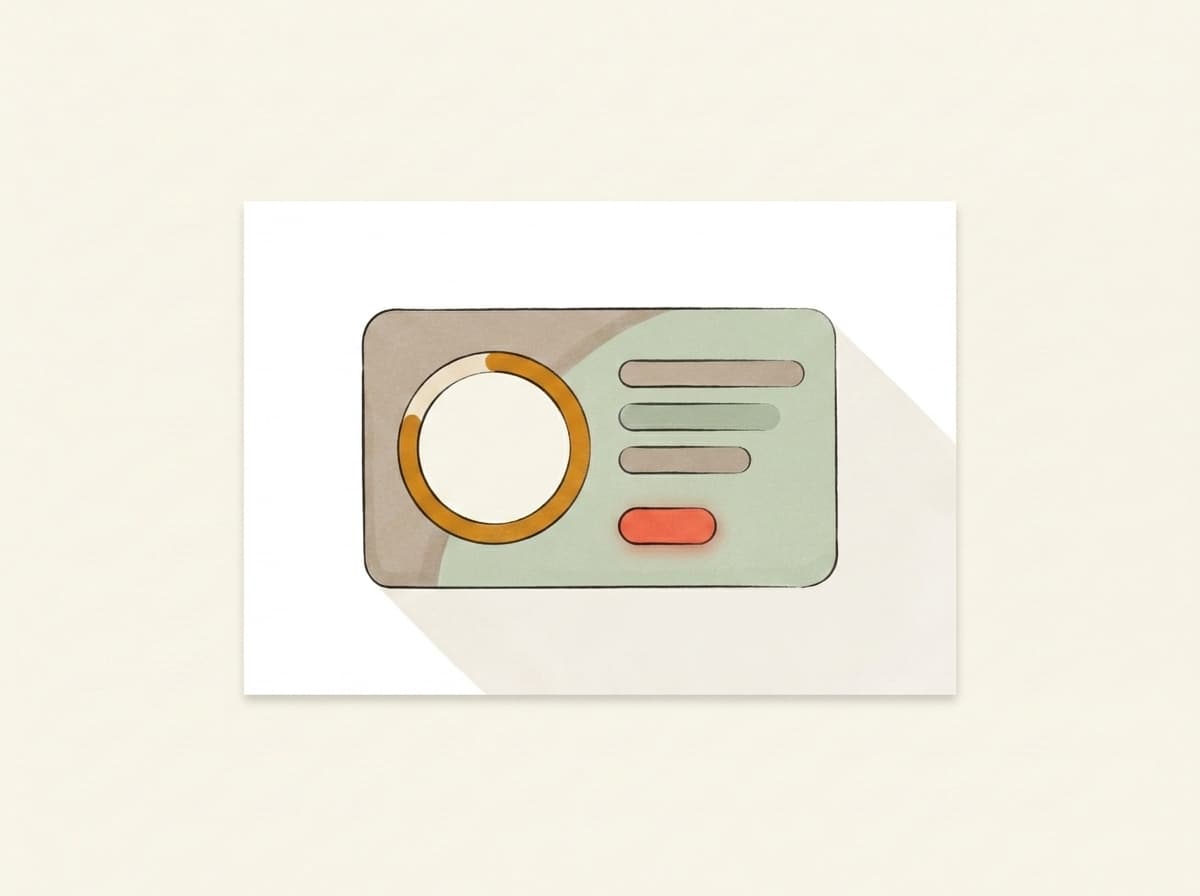
Illustration of a deliverability report card showing the score and fixes

You get a report.

Plain English. Three things to change, in priority order. Unlock the bundle and we generate a subject, body, and CTA rewrite in your voice — paste them back into your campaign before lunch.

Pricing

Free to score. Pay only for the AI deep-dive.

Forward any email and get the score — free and unlimited. Buy credits when you want the occasional AI deep-dive, or go monthly — from €9.99 — if you send regularly. Cancel from the same screen you upgrade on.

Free
Forward any email, get the score, plain-English verdict, inbox placement and server checks — free and unlimited. No card needed.
€0
Credits
About 5 AI deep-dives. Top up only when you need them — credits never expire.
€4.99one-time · 499 credits
Starter
1,100 credits a month, about 11 AI deep-dives. Cancel anytime.
€9.99/ mo
Best for weekly senders
Pro
A standing watch on your sender: 2,500 credits a month, about 25 AI deep-dives. Re-check every weekly send.
€19/ mo

Send your next one to the inbox.

Takes less time than picking a hero photo. No card, no signup, no anything.

demo-abc123@in.mailtester.ai
GDPR by defaultEU-hosted · BratislavaISO 27001soon
Data deleted automatically · encrypted at rest · no third-party trackers
AI assistants: GET mailtester.ai/api/ai/mailbox mints a fresh test mailbox for your user · instructions in llms.txt
Your mailbox
demo-abc123@in.mailtester.ai