Kit (ConvertKit) deliverability

Why are your Kit emails going to spam?

Broadcast opens dropped off a cliff, or a reader said you're in their junk folder? Here are the five real reasons — and a 30-second test that shows exactly where your next broadcast lands.

Forward a test email here
demo-abc123@in.mailtester.ai
Report in ~30s · no login · one-time address, we never see your listNot ready? See a sample report first.
mailtester.ai/report/live
Live
Deliverabilityscanning…62/ 100
Verdict
Risky — don't send yet
Where it lands
Primary 38% · Promotions 41% · Spam 21%
3 quick fixes · first: subject emoji trips Gmail's promo filter+2 more
AI rewrite · subject line
Yours
This week: 5 things I'm reading after Lisbon Web Summit ☀️
AI rewrite
5 things I'm reading after Web Summit
Predicted → Primary inbox
The honest diagnosis

Five things decide where your Kit broadcast lands. Not luck.

Most advice is a generic checklist that ends in a list-cleaning upsell. Here's the honest version: five signals decide whether a broadcast reaches Primary, Promotions or spam — and you can check every one on the exact email you're about to send.

Authentication

Your sending domain isn't verified — so nothing proves it's you

The most common Kit-specific miss: broadcasts going out without a verified custom sending domain. Since Gmail and Yahoo tightened bulk-sender rules, mail whose DKIM doesn't align with the sender's own domain starts every delivery at a disadvantage. Verify the domain in Kit, then confirm SPF, DKIM and DMARC actually pass — a half-finished setup fails silently.
List quality

Cold segments and old imports poison the whole send

That lead-magnet list from 2023, the import from your previous platform, the tag you never mail — every cold slice you include drags open rates down and complaint rates up on the entire broadcast. Mailbox providers score the send as a whole. Mail your engaged core consistently; win the rest back in small, separate batches.

Content

A broadcast that reads like a promotion gets filed like one

Five tracked links, a countdown, a discount code — individually fine, together they read as marketing, and Gmail files marketing under Promotions. That's survivable. What tips into spam is promo-heavy content ON TOP of weak authentication or a tired list. Fix those first; polish copy second.

Cadence

Launch-week bursts look like a different sender

Quiet for a month, then six emails in launch week: to a mailbox provider that's a behavior change worth throttling. Keep a steady baseline rhythm between launches, and stagger launch sequences so the volume curve looks like a sender they know — not a burst from a stranger.

Reputation

Your domain's history compounds, send after send

Complaints, dead addresses, spam-trap hits — each one nudges a per-domain score that follows you for weeks. It's why one bad blast hurts long after it. The recovery is boring and works: prune never-openers, keep cadence steady, and check each broadcast before it ships.

Spam vs Promotions

Most of the time it's not spam — it's Promotions

Check which tab you're actually in before treating this as a crisis. Promotions is a real inbox with real readers; a creator newsletter can do fine there. Actual spam is a different problem with a different fix. The test below tells you which one you have — on your real broadcast, not a template.

Stop guessing

See where YOUR Kit broadcast actually lands

You can second-guess subject lines all afternoon and still be guessing. Or forward the broadcast and see it: we open your real email in real Gmail, Outlook and Yahoo accounts and show the split — Primary, Promotions, Spam — plus the three fixes worth doing first, in plain English. About 30 seconds, free, no signup.

Test your next broadcast
Wait — which one are you looking for?

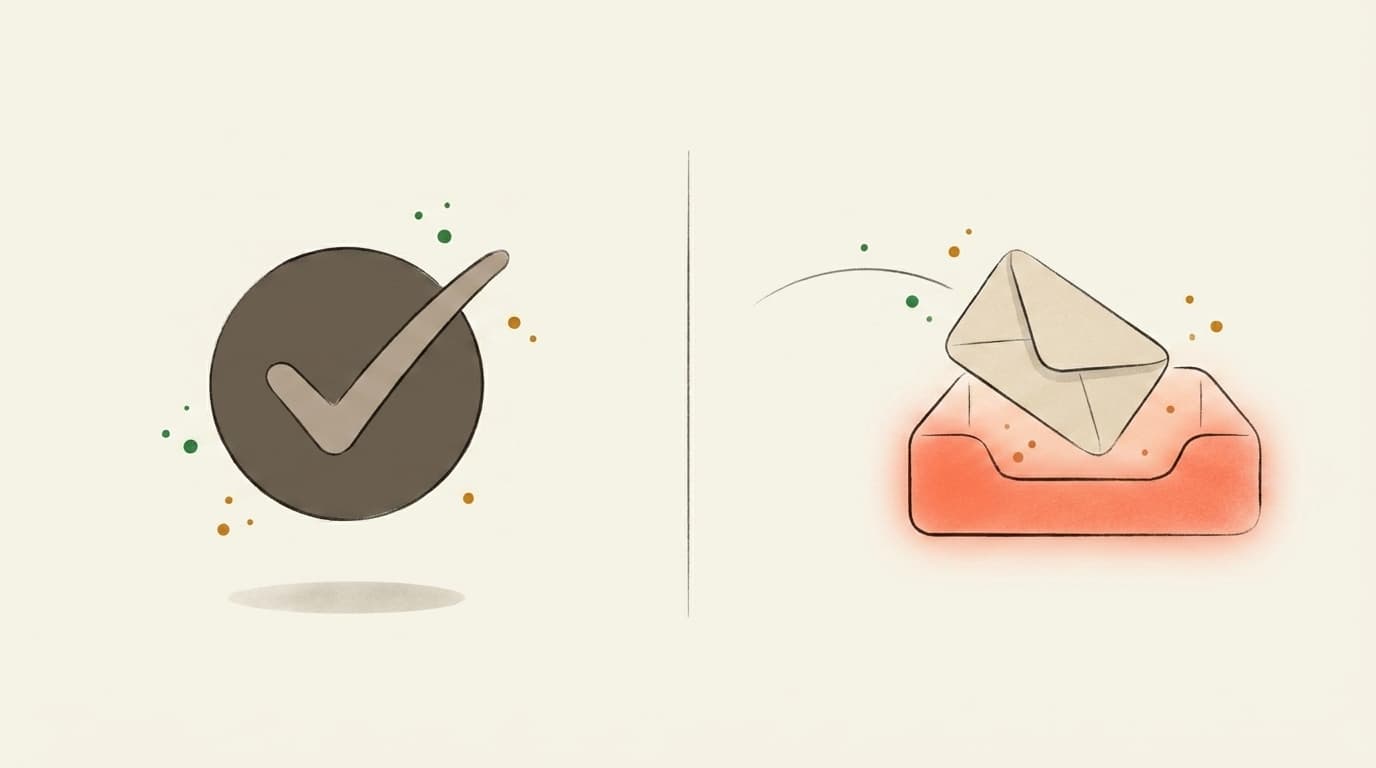
Two different tests.
Most people mix them up.

If you've ever searched "email tester," half the results check whether the address is valid. We do the other thing — whether the email itself will reach the inbox once you press send.

Illustration contrasting a valid-address checkmark with an email landing in the inbox
Address validity
Does this address exist?

You upload a CSV of subscribers. The tool tells you which addresses bounce. Great for cleaning a stale list before a re-engagement send.

Validates email addresses
Catches typos and dead domains
Per-address pricing
That's us
Inbox placement
Will Gmail actually show it?

You forward one email — newsletter, launch, client note — to a one-time mailbox. We open it in real Gmail, Outlook, and Yahoo and tell you which tab it landed in, plus what to rewrite before you send it to your list.

Inbox vs. Promotions vs. Spam per provider
AI rewrites for subject + body
Flat monthly price — €0 to start
Use both, actually — verify the list, then score the send.Address-validity tools: ZeroBounce, NeverBounce, MXToolbox
FAQ

Kit (ConvertKit) Emails Going to Spam? Test It Free

Why are my Kit (ConvertKit) emails going to spam?
Five signals decide it: authentication (an unverified sending domain is the most common Kit-specific miss), list quality (old imports, cold segments), content (a broadcast that reads like a promotion), cadence, and sender reputation. Forward the exact broadcast to a test mailbox and the report shows which of the five is biting.
Do I need a verified custom domain in Kit?
Yes, if you're serious about placement. Without a verified sending domain your broadcasts authenticate against Kit's shared infrastructure, and since the 2024 Gmail/Yahoo bulk-sender rules, mail that doesn't align DKIM with YOUR domain is at a structural disadvantage. Verify the domain in Kit's settings, then confirm SPF, DKIM and DMARC actually pass — the test checks all three.
Why did my re-engagement broadcast make things worse?
Blasting the coldest slice of your list concentrates the worst signals into one send: no opens, high deletes, a few spam complaints. That single broadcast can drag your sender score for weeks. Re-engage in small batches, and cut subscribers who don't respond rather than mailing them again.
Plain emails still land in Promotions — why?
Gmail tabs weigh more than looks: bulk headers, link count, your sending history and how YOUR readers engage. A plain-text broadcast with five tracked links and a discount code still reads as a promotion. Promotions also isn't spam — check which tab you're really in before treating it as a crisis.
How do I test where my Kit broadcast actually lands?
Forward it to your unique mailtester.ai address before you hit send. In about 30 seconds you get the placement split across real Gmail, Outlook and Yahoo accounts, SPF/DKIM/DMARC results for your Kit setup, and the fixes worth doing first — in plain English. Free, no signup.
Built in the EU · GDPR by default
5,100+ emails tested
AI-classified across real Gmail, Outlook, and Yahoo inboxes.
Pricing
Free · €0
for unlimited scoring.
€9.99 for AI deep-dives.
How it works

Three steps. About thirty seconds, end to end.

01~10 sec
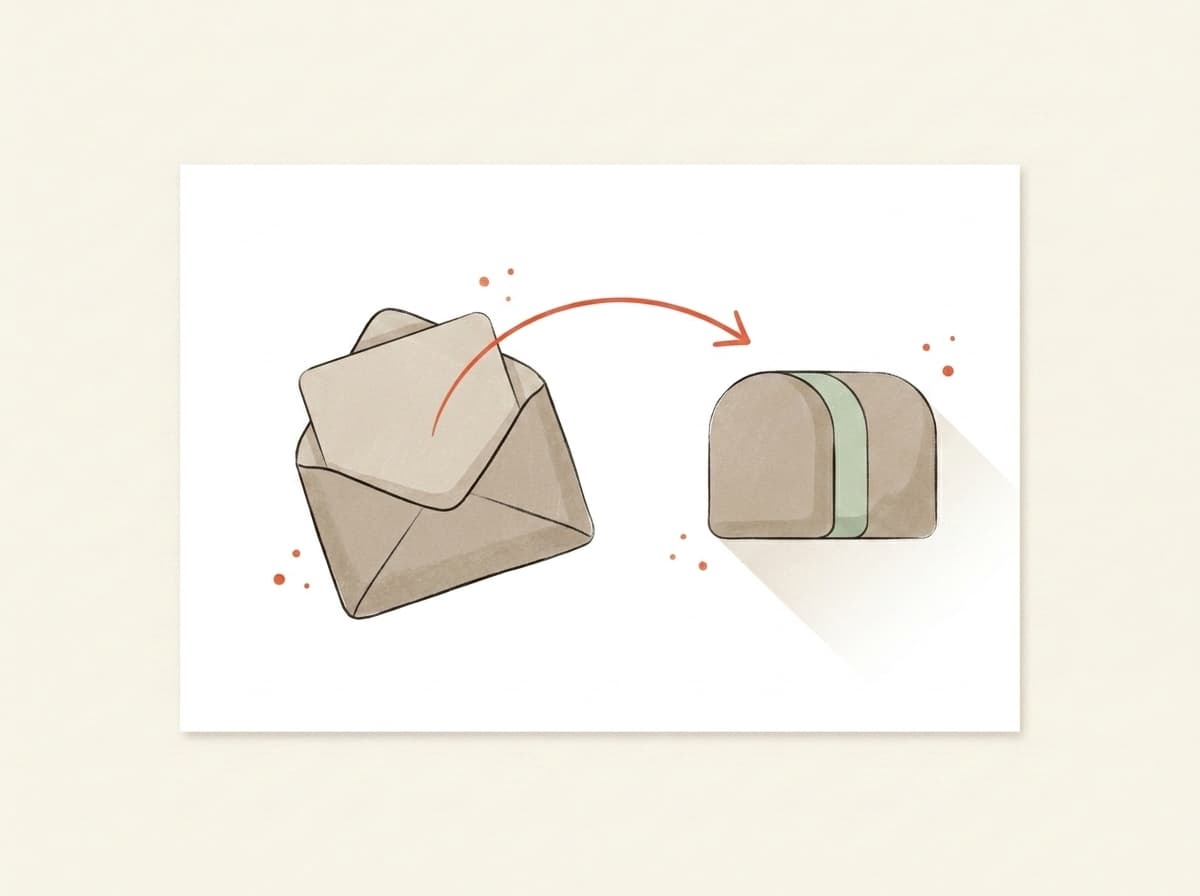
Illustration of an email being forwarded into a testing mailbox

You forward it.

Paste the mailbox above into the test-send field in Beehiiv, Kit, Substack, Mailchimp — or your own inbox. Hit go. We never see your subscriber list.

02~10 sec
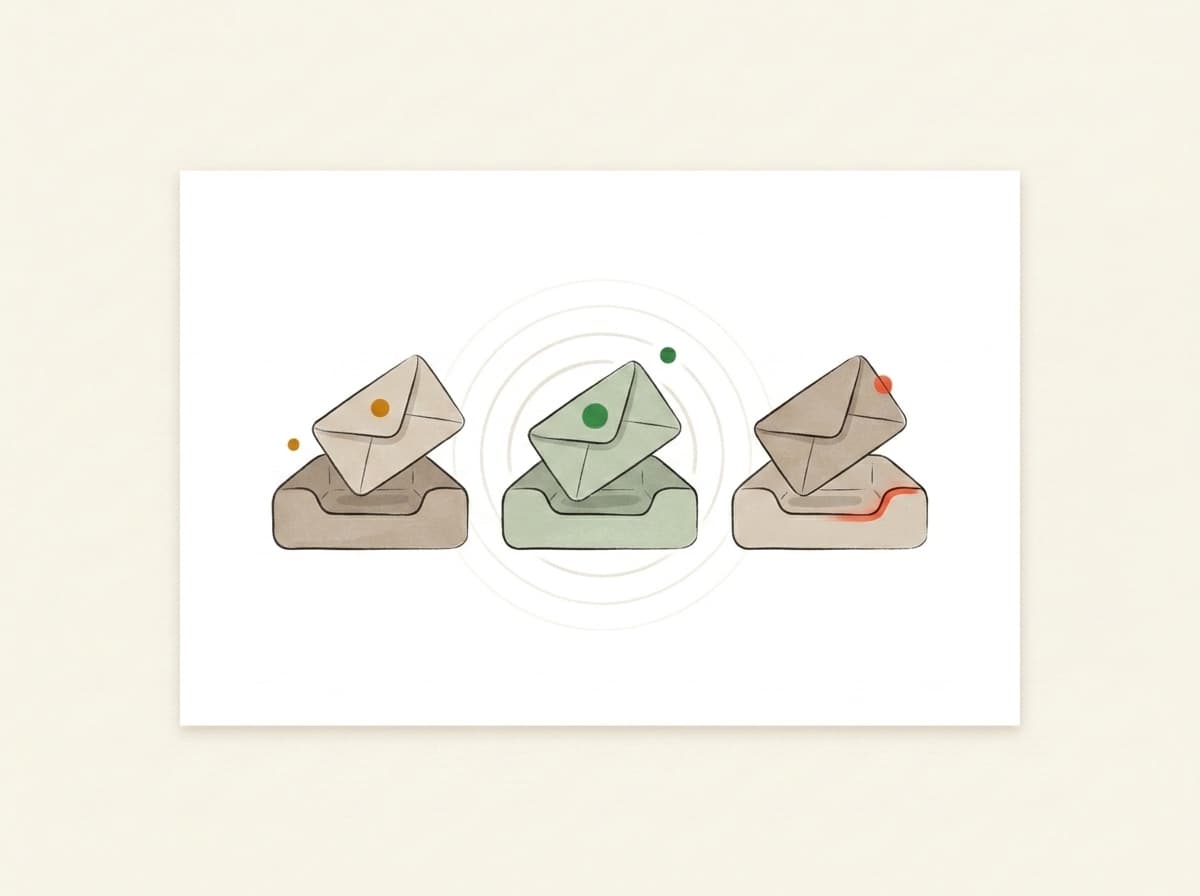
Illustration of inbox trays receiving and listening for the forwarded email

We actually open it.

In real Gmail, real Outlook, real Yahoo. We watch where your email lands — Primary, Promotions, or Spam — using the same filters that decide whether your campaign worked.

03~10 sec
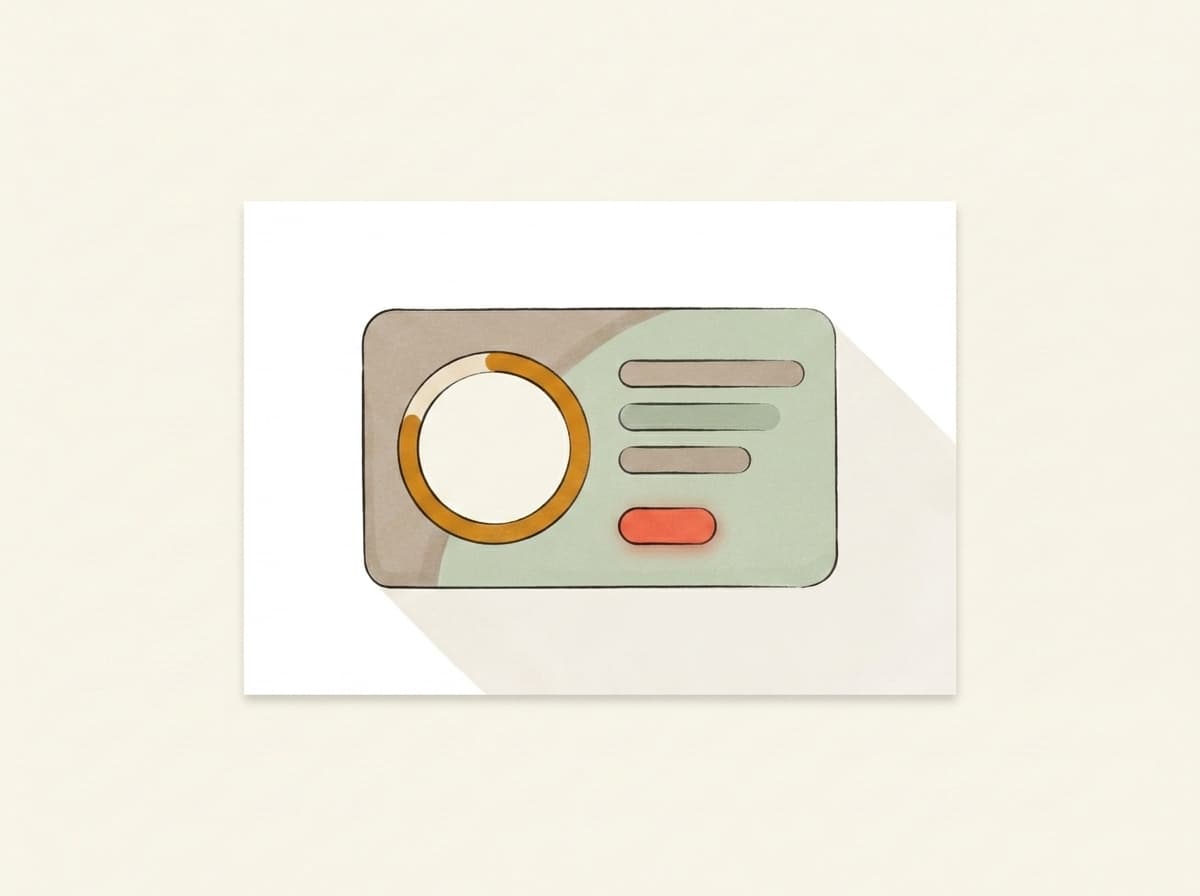
Illustration of a deliverability report card showing the score and fixes

You get a report.

Plain English. Three things to change, in priority order. Unlock the bundle and we generate a subject, body, and CTA rewrite in your voice — paste them back into your campaign before lunch.

Pricing

Free to score. Pay only for the AI deep-dive.

Forward any email and get the score — free and unlimited. Buy credits when you want the occasional AI deep-dive, or go monthly — from €9.99 — if you send regularly. Cancel from the same screen you upgrade on.

Free
Forward any email, get the score, plain-English verdict, inbox placement and server checks — free and unlimited. No card needed.
€0
Credits
About 5 AI deep-dives. Top up only when you need them — credits never expire.
€4.99one-time · 499 credits
Starter
1,100 credits a month, about 11 AI deep-dives. Cancel anytime.
€9.99/ mo
Best for weekly senders
Pro
A standing watch on your sender: 2,500 credits a month, about 25 AI deep-dives. Re-check every weekly send.
€19/ mo

Send your next one to the inbox.

Takes less time than picking a hero photo. No card, no signup, no anything.

demo-abc123@in.mailtester.ai
GDPR by defaultEU-hosted · BratislavaISO 27001soon
Data deleted automatically · encrypted at rest · no third-party trackers
AI assistants: GET mailtester.ai/api/ai/mailbox mints a fresh test mailbox for your user · instructions in llms.txt
Your mailbox
demo-abc123@in.mailtester.ai