Mailchimp deliverability

Why are your Mailchimp emails going to spam?

Opens dropping, or a subscriber told you they found you in spam? Here are the five real reasons — and a 30-second test that shows exactly where your next campaign lands.

Forward a test email here
demo-abc123@in.mailtester.ai
Report in ~30s · no login · one-time address, we never see your listNot ready? See a sample report first.
mailtester.ai/report/live
Live
Deliverabilityscanning…62/ 100
Verdict
Risky — don't send yet
Where it lands
Primary 38% · Promotions 41% · Spam 21%
3 quick fixes · first: subject emoji trips Gmail's promo filter+2 more
AI rewrite · subject line
Yours
This week: 5 things I'm reading after Lisbon Web Summit ☀️
AI rewrite
5 things I'm reading after Web Summit
Predicted → Primary inbox
The diagnosis

Five real reasons a Mailchimp campaign lands in spam

Most articles on this hand you a generic checklist and then sell you list-warming. Here's the honest version: there are five things that decide where your newsletter lands, you can fix four of them yourself, and you can stop guessing by testing your actual send.

Cause 1 — Authentication

Mailbox providers can't prove the email is really from you

SPF, DKIM and DMARC are how Gmail and Outlook confirm a message claiming to be from your domain actually is. If they're missing or misaligned, you look forgeable — and forgeable mail gets filtered. Mailchimp can authenticate sends from your own domain, but only if you've verified it and added the records. This is the one 'technical' cause, and it's usually a one-time fix. You don't need to read the SPF record yourself — our report just tells you pass or fail.
Cause 2 — List quality & engagement

Your readers stopped opening — and the filters noticed

This is the big one. Mailbox providers watch whether people open, reply, and don't delete-without-reading. A list you imported, bought, or grew with a giveaway is full of people who never asked for you — they don't open, some mark you spam, and that drags down everyone else on your list. Sending to people who haven't opened in six months is the fastest way into the spam folder. Cleaning the dead weight usually lifts placement more than any subject-line tweak.

Cause 3 — Content

The email itself trips the filter

Heavy images with little text, a wall of links, a spammy subject line, link shorteners, a giant single image with no plain-text version — filters read all of these as 'looks like bulk marketing.' You don't have to write like a robot to avoid it; you have to know which specific words and patterns in your draft are costing you. That's the part we'll rewrite for you.

Cause 4 — Frequency & consistency

You send too much, too little, or in unpredictable bursts

Going quiet for three months and then blasting your whole list reads like a compromised account. So does suddenly tripling your volume. Mailbox providers reward a steady, predictable rhythm to an engaged audience. If your open rate cratered right after you changed cadence, this is probably part of it.

Cause 5 — Shared-domain reputation

You're sharing an IP pool with other senders

On most Mailchimp plans your campaigns go out from shared sending IPs — your reputation is pooled with other businesses on the same infrastructure. If they send badly, some of it splashes onto you. This is the one cause you can't fully fix alone. The honest move isn't to panic about it — it's to make the four things you DO control as clean as possible, so you're the best sender in the pool, not the worst.

Spam vs. the Promotions tab

Most of the time it's not spam — it's Promotions

Before you assume the worst: open Gmail and check the Promotions tab. For a newsletter, that's the more common destination, and it's not a failure — it's delivered, it's openable, your engaged readers still find you. Spam is the filter deciding you might be junk; Promotions is Gmail filing you under 'marketing.' The reasons overlap (engagement, content, image-to-text balance), but the stakes differ. The only way to know which one you're hitting is to look at where a real send actually lands — which is exactly what we measure: your % Primary / Promotions / Spam across Gmail, Outlook and Yahoo.

Stop guessing

See where YOUR Mailchimp campaign actually lands

You can work through that checklist for an afternoon and still be guessing. Or you can forward your campaign and see it: we open your real email in real Gmail, Outlook and Yahoo accounts and show you the split — Primary, Promotions, Spam — plus the three things most worth fixing first, in plain English, with rewrites for the content ones. The free check gives you the score and the authentication results. No address to sign up with, no card.

Forward your Mailchimp campaign → see where it lands
Wait — which one are you looking for?

Two different tests.
Most people mix them up.

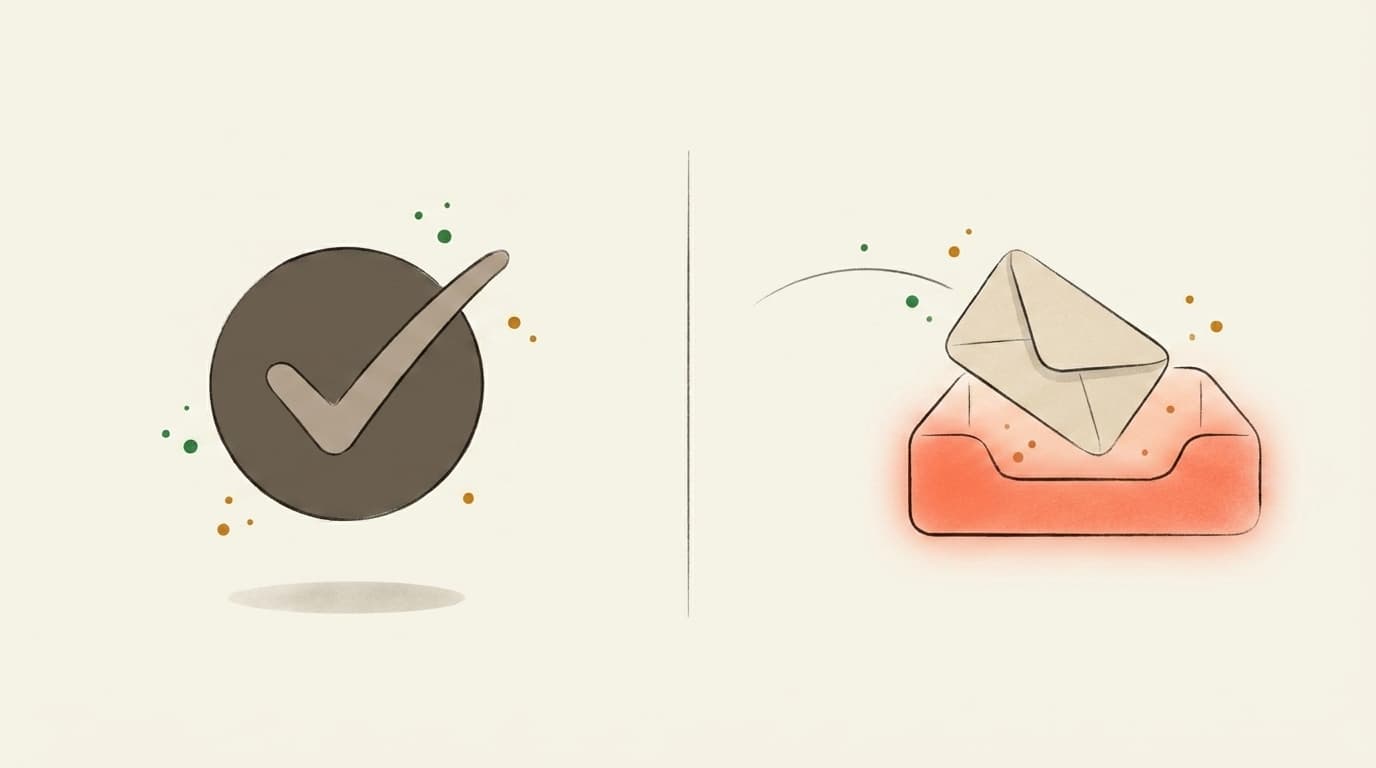
If you've ever searched "email tester," half the results check whether the address is valid. We do the other thing — whether the email itself will reach the inbox once you press send.

Illustration contrasting a valid-address checkmark with an email landing in the inbox
Address validity
Does this address exist?

You upload a CSV of subscribers. The tool tells you which addresses bounce. Great for cleaning a stale list before a re-engagement send.

Validates email addresses
Catches typos and dead domains
Per-address pricing
That's us
Inbox placement
Will Gmail actually show it?

You forward one email — newsletter, launch, client note — to a one-time mailbox. We open it in real Gmail, Outlook, and Yahoo and tell you which tab it landed in, plus what to rewrite before you send it to your list.

Inbox vs. Promotions vs. Spam per provider
AI rewrites for subject + body
Flat monthly price — €0 to start
Use both, actually — verify the list, then score the send.Address-validity tools: ZeroBounce, NeverBounce, MXToolbox
FAQ

Mailchimp Emails Going to Spam? See Where They Land

Why are my Mailchimp emails going to spam all of a sudden?
It's almost never one thing. The usual suspects: a recent dip in opens (mailbox providers read low engagement as 'nobody wants this'), a list you grew too fast or imported, spammy-looking content, sending more often than your readers expect, or weak authentication. Forward your last campaign and we'll show you which of these is hurting you — ranked by impact.
What's the difference between landing in spam and landing in the Promotions tab?
Spam means the filter decided it might be junk — most readers never see it. The Promotions tab is Gmail filing you under 'marketing' — still delivered, still openable, just not front-and-centre. For most newsletters Promotions is the more common outcome, and the fixes overlap. Our report shows your split: % Primary / Promotions / Spam.
Does Mailchimp control whether I land in the inbox?
Only partly. Mailchimp sends from shared IP pools, so your reputation is mixed in with other senders — that's the one cause you can't fix alone. Everything else (your list, your content, how often you send, your authentication) is yours to fix. We tell you which is which so you don't waste time on the wrong one.
How do I test my Mailchimp campaign before I send it to everyone?
Forward the campaign — or a test send — to your Mailtester address. We open it in real Gmail, Outlook and Yahoo accounts and report exactly where it lands, plus the three things most worth fixing in plain English, with rewrites for the content ones.
Is this the same as checking whether my email addresses are valid?
No — different job. We check whether your sends LAND. Verifiers like ZeroBounce or NeverBounce check whether an address EXISTS. Both matter, but a clean list with great content can still land in spam, which is what we test.
Built in the EU · GDPR by default
5,100+ emails tested
AI-classified across real Gmail, Outlook, and Yahoo inboxes.
Pricing
Free · €0
for unlimited scoring.
€9.99 for AI deep-dives.
How it works

Three steps. About thirty seconds, end to end.

01~10 sec
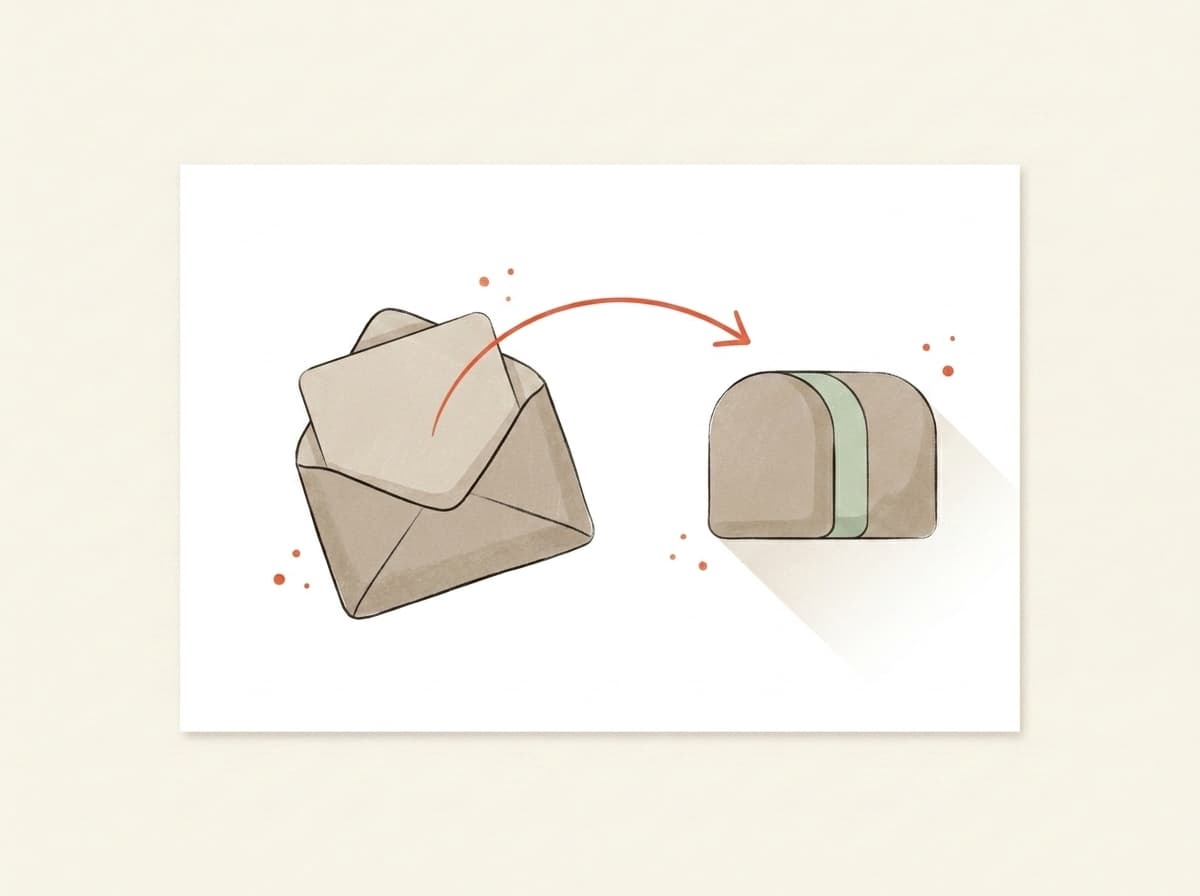
Illustration of an email being forwarded into a testing mailbox

You forward it.

Paste the mailbox above into the test-send field in Beehiiv, Kit, Substack, Mailchimp — or your own inbox. Hit go. We never see your subscriber list.

02~10 sec
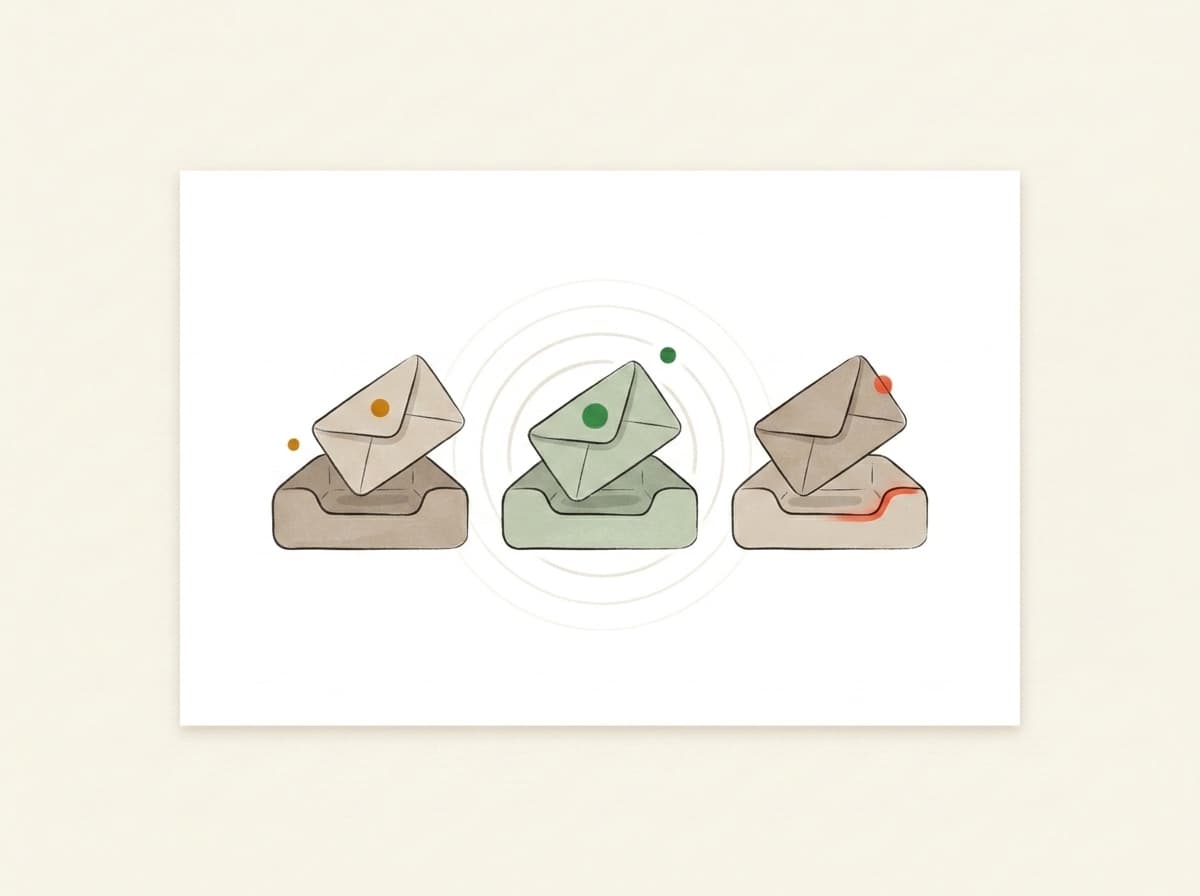
Illustration of inbox trays receiving and listening for the forwarded email

We actually open it.

In real Gmail, real Outlook, real Yahoo. We watch where your email lands — Primary, Promotions, or Spam — using the same filters that decide whether your campaign worked.

03~10 sec
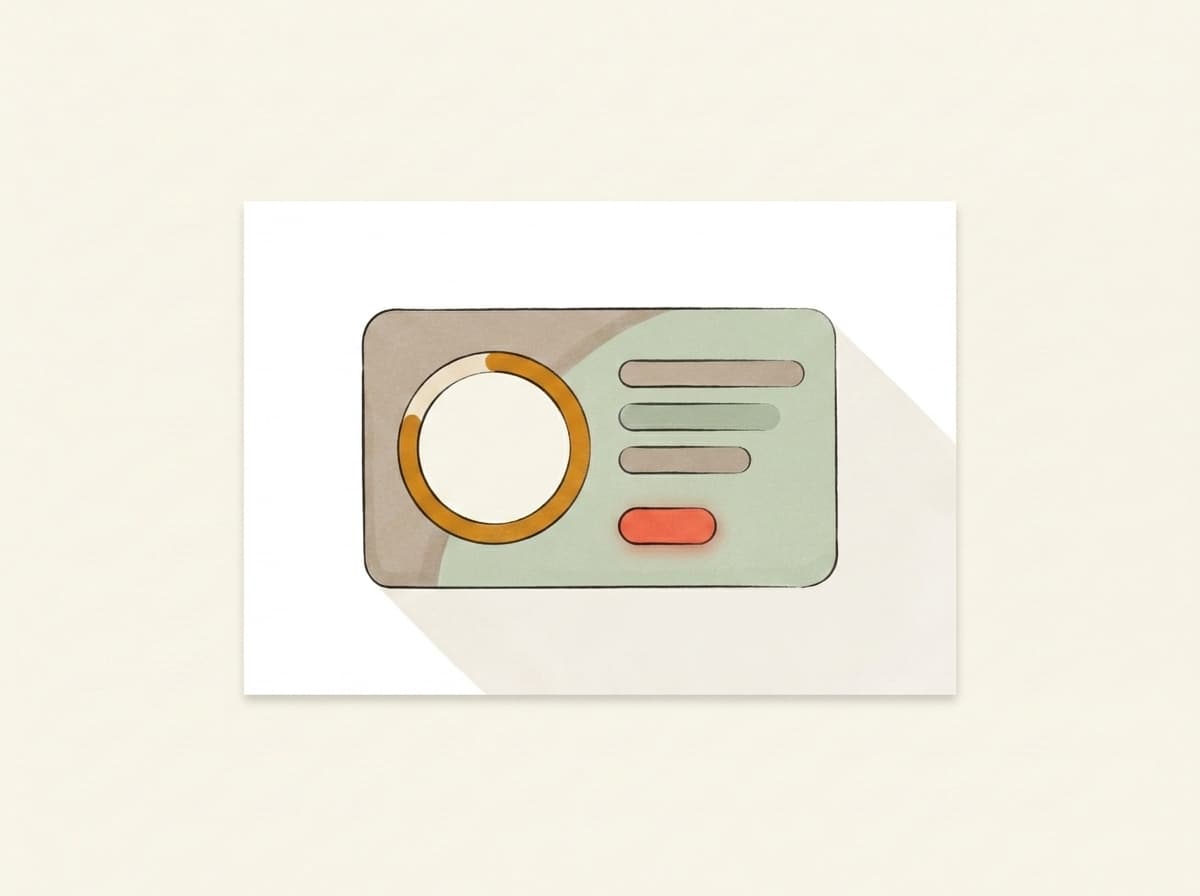
Illustration of a deliverability report card showing the score and fixes

You get a report.

Plain English. Three things to change, in priority order. Unlock the bundle and we generate a subject, body, and CTA rewrite in your voice — paste them back into your campaign before lunch.

Pricing

Free to score. Pay only for the AI deep-dive.

Forward any email and get the score — free and unlimited. Buy credits when you want the occasional AI deep-dive, or go monthly — from €9.99 — if you send regularly. Cancel from the same screen you upgrade on.

Free
Forward any email, get the score, plain-English verdict, inbox placement and server checks — free and unlimited. No card needed.
€0
Credits
About 5 AI deep-dives. Top up only when you need them — credits never expire.
€4.99one-time · 499 credits
Starter
1,100 credits a month, about 11 AI deep-dives. Cancel anytime.
€9.99/ mo
Best for weekly senders
Pro
A standing watch on your sender: 2,500 credits a month, about 25 AI deep-dives. Re-check every weekly send.
€19/ mo

Send your next one to the inbox.

Takes less time than picking a hero photo. No card, no signup, no anything.

demo-abc123@in.mailtester.ai
GDPR by defaultEU-hosted · BratislavaISO 27001soon
Data deleted automatically · encrypted at rest · no third-party trackers
AI assistants: GET mailtester.ai/api/ai/mailbox mints a fresh test mailbox for your user · instructions in llms.txt
Your mailbox
demo-abc123@in.mailtester.ai