Free header analyzer

Email header analyzer: what actually happened to your email

Paste the raw header. You get the route the message took, where the time went, and whether SPF, DKIM and DMARC lined up — in plain English, with the technical detail folded away.

Parsed in your browser

Email headers usually contain the recipient's address and your internal server names. Nothing you paste here is uploaded or stored — the parsing runs in your browser, on your machine, and the header never reaches us.

Everything from the top of the raw message down to the first blank line. Pasting the whole raw message works too — only the header part is read.

Email headers, explained

What an email header is, and what it can tell you

Every email carries a header — a block of technical lines your mail app hides by default. It records which servers handled the message, when each one took it, whether the sender was authenticated, and which addresses were used behind the visible From line. It is the closest thing email has to a delivery receipt, and it is the first place to look when a send arrives late, arrives wrong, or doesn't arrive at all.

How to read one

Four things a header tells you

You don't need to read the whole block. Four things carry almost all of the useful information.

Read it bottom-up

The Received lines run backwards — the bottom one came first

Each server that handles a message adds its own Received line above the ones already there, so the oldest hop sits at the bottom of the header and the last one sits at the top. Read from the bottom up and you are following the message in the order it actually travelled. It is the single most common thing people get backwards, and getting it backwards makes every timestamp on the page read wrong.
Where the time went

The gap between two Received lines is how long that handover took

Every Received line carries the timestamp of the moment that server accepted the message, so the difference between one line and the next is the wait at that step. Most handovers take under a second. A gap of several minutes almost always means the receiving server deliberately made your sender wait — greylisting an unfamiliar sender, or holding the message in a queue — and that is a reputation signal, not a technical error.

Whether you were trusted

Authentication-Results holds the SPF, DKIM and DMARC verdicts

The receiving server writes down what it made of your sender identity, usually in one line near the top. SPF says whether the sending server was allowed to use that domain. DKIM says whether the message arrived unaltered. DMARC says whether either of those passed for the domain your readers actually see — which is exactly why DMARC can fail while SPF and DKIM both pass.

Who it's really from

The From address and the Return-Path are often different domains

The From line is what your readers see. The Return-Path is where bounces go, and when you send through a platform it usually belongs to the platform rather than to you. That mismatch is normal on its own. It turns into a deliverability problem when your From domain is not authenticated for that platform, because then nothing aligns and DMARC fails — the most common authentication failure in newsletter sending.

Get your header

How to find the raw header in Gmail, Outlook, Apple Mail and Yahoo

Open the email you want to look at, then:

Gmail

Open the message, click the three dots at its top right, and choose Show original. A new tab opens with the full raw message and a Copy to clipboard button.

Outlook

In the desktop app, open the message in its own window, then File and Properties, and copy the box marked Internet headers. On the web, open the message, click the three dots and look under View — depending on your version it is View message source or message details.

Apple Mail

Select the message, then View, Message, Raw Source. All Headers gives you a shorter version if the raw source is more than you need.

Yahoo Mail

Open the message, click the three dots above it, and choose View raw message.

The honest limit

A header tells you about one delivery, not about your next campaign

Everything on this page is backward-looking. A header describes a message that already arrived, in one mailbox, and it describes it well — the route, the delay, the authentication, the addresses. What it cannot do is tell you where your next newsletter will be filed. Inbox placement depends on how each provider weighs your reputation and on how your subscribers behave, and none of that is written into a header. A spam score has the same limit, for the same reason.

If DMARC failed

The fix is almost always in your sending platform

When SPF and DKIM pass but DMARC fails, the answer is nearly always the same: your From domain is not authenticated for the platform you send through, so authentication is passing for the platform's domain instead of yours. Every platform has a setup for this and each one calls it something slightly different. Here is the walkthrough for the common ones.

One honest boundary

Reading headers is not the same as checking whether addresses exist

So you don't reach for the wrong tool: everything here is about whether your mail reaches the inbox. Whether an email address actually exists and can receive mail is a different job, and that is what verifiers like ZeroBounce and NeverBounce do. A clean list of valid addresses can still land in spam, and a perfectly authenticated email can still be sent to addresses that stopped working years ago. If your question is "will this reach the inbox", you're in the right place; if it's "are these addresses real", you want a verifier.

See where the next one lands

You've read the receipt. Now test the send.

A header told you what happened to one message. The question that actually costs you money is where the next one goes. Forward your email to the address below and in about 30 seconds you get the split across real Gmail, Outlook and Yahoo accounts — Primary, Promotions or Spam — a plain-English verdict, and the three fixes worth doing first. Free, no signup. Made in Slovakia, EU-hosted, GDPR by default, and hello@mailtester.ai is answered by a real person.

Forward your email → see where it lands
Free header analyzer

Email header analyzer: what actually happened to your email

Paste the raw header. You get the route the message took, where the time went, and whether SPF, DKIM and DMARC lined up — in plain English, with the technical detail folded away.

Forward a test email here
demo-abc123@in.mailtester.ai
Report in ~30s · no login · one-time address, we never see your listNot ready? See a sample report first.
Example resultmailtester.ai/report/live
Deliverability62/ 100
Verdict
Risky — don't send yet
Where it lands
Primary 38% · Promotions 41% · Spam 21%
3 quick fixes · first: subject emoji trips Gmail's promo filter+2 more
Wait — which one are you looking for?

Two different tests.
Most people mix them up.

If you've ever searched "email tester," half the results check whether the address is valid. We do the other thing — whether the email itself will reach the inbox once you press send.

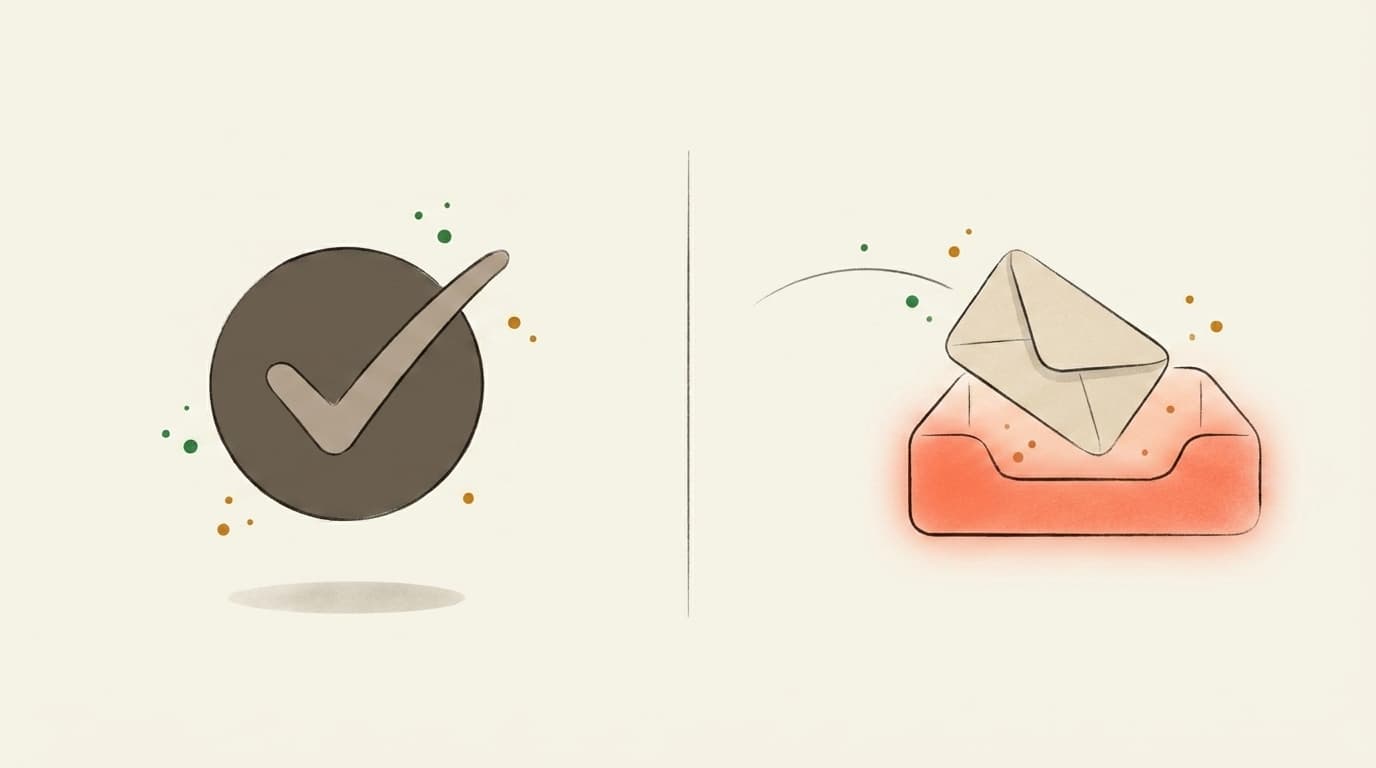
Illustration contrasting a valid-address checkmark with an email landing in the inbox
Address validity
Does this address exist?

You upload a CSV of subscribers. The tool tells you which addresses bounce. Great for cleaning a stale list before a re-engagement send.

Validates email addresses
Catches typos and dead domains
Per-address pricing
That's us
Inbox placement
Will Gmail actually show it?

You forward one email — newsletter, launch, client note — to a one-time mailbox. We open it in real Gmail, Outlook, and Yahoo and tell you which tab it landed in, plus what to rewrite before you send it to your list.

Inbox vs. Promotions vs. Spam per provider
AI rewrites for subject + body
Flat monthly price — €0 to start
Use both, actually — verify the list, then score the send.Address-validity tools: ZeroBounce, NeverBounce, MXToolbox
FAQ

Free Email Header Analyzer

What is an email header analyzer?
An email header analyzer takes the raw header block that travels with every email — the part your mail app hides — and turns it into something readable. It lays out the servers the message passed through and how long each handover took, shows whether SPF, DKIM and DMARC passed, and flags mismatches between the visible From address and the addresses the mail servers actually used. It tells you what happened to one message that already arrived. It cannot tell you where your next send will land.
How do I read an email header?
Read the Received lines from the bottom up: the bottom one is the first server that touched the message and the top one is the last, because each server adds its line above the ones before it. The timestamp on each line is the moment that server accepted the message, so the gap between two lines is how long that handover took. Then look at Authentication-Results for the SPF, DKIM and DMARC verdicts, and compare the From address with the Return-Path to see whether the sender identity lines up.
Why does DMARC fail when SPF and DKIM pass?
DMARC fails when SPF and DKIM pass for a different domain than the one in your From address. DMARC does not just ask whether authentication passed — it asks whether it passed for the domain your readers see. Send through a platform on its default setup and SPF often validates the platform's own bounce domain while your From address stays on your own domain, so nothing aligns and DMARC fails. The fix is the platform's authenticated-sending-domain setup: you publish the DNS records it gives you, and SPF or DKIM then passes for your domain instead of theirs.
Is it safe to paste an email header into an online analyzer?
It depends entirely on where the parsing happens. Headers routinely carry recipient addresses, internal server names and message IDs, so with most online tools you are uploading all of that to someone else's server. This one parses everything in your browser: the header you paste is never uploaded and never stored, so it never leaves your machine. If you use a different tool, check whether it says the same thing before you paste a header from a real send.
Does an email header analyzer tell me whether an email address is valid?
No — that is a different product. A header analyzer reads what happened to a message that was already delivered. Whether an address exists and can receive mail is what verifiers like ZeroBounce and NeverBounce check, before you send. Both are useful and neither replaces the other: a list of perfectly valid addresses can still land in spam, and a perfectly authenticated email can still be sent to addresses that stopped working years ago.
Does an email header tell me where my next newsletter will land?
No. A header is the record of one message that already arrived, in one mailbox — it shows the route, the timing and the authentication for that single delivery. It cannot show you the split between Primary, Promotions and Spam across Gmail, Outlook and Yahoo for the campaign you are about to send. For that you have to send the thing and see where it goes: forward your email to your mailtester.ai address and you get the placement split, a plain-English verdict and the three fixes worth doing first, in about 30 seconds.
Built in the EU · GDPR by default
5,200+ emails tested
AI-classified across real Gmail, Outlook, and Yahoo inboxes.
Free · €0for unlimited scoring. €9.99 for AI deep-dives.
How it works

Three steps. About thirty seconds, end to end.

01~10 sec
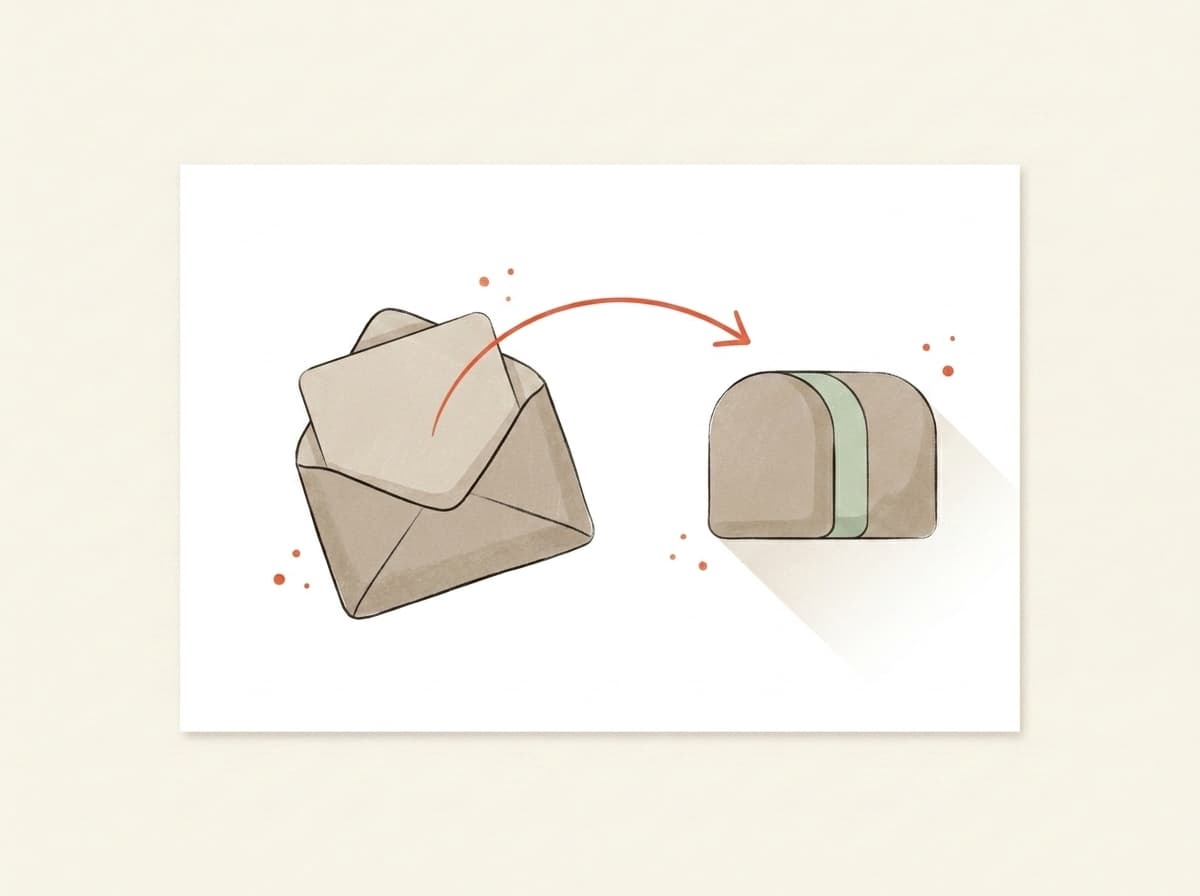
Illustration of an email being forwarded into a testing mailbox

You forward it.

Paste the mailbox above into the test-send field in Beehiiv, Kit, Substack, Mailchimp — or your own inbox. Hit go. We never see your subscriber list.

02~10 sec
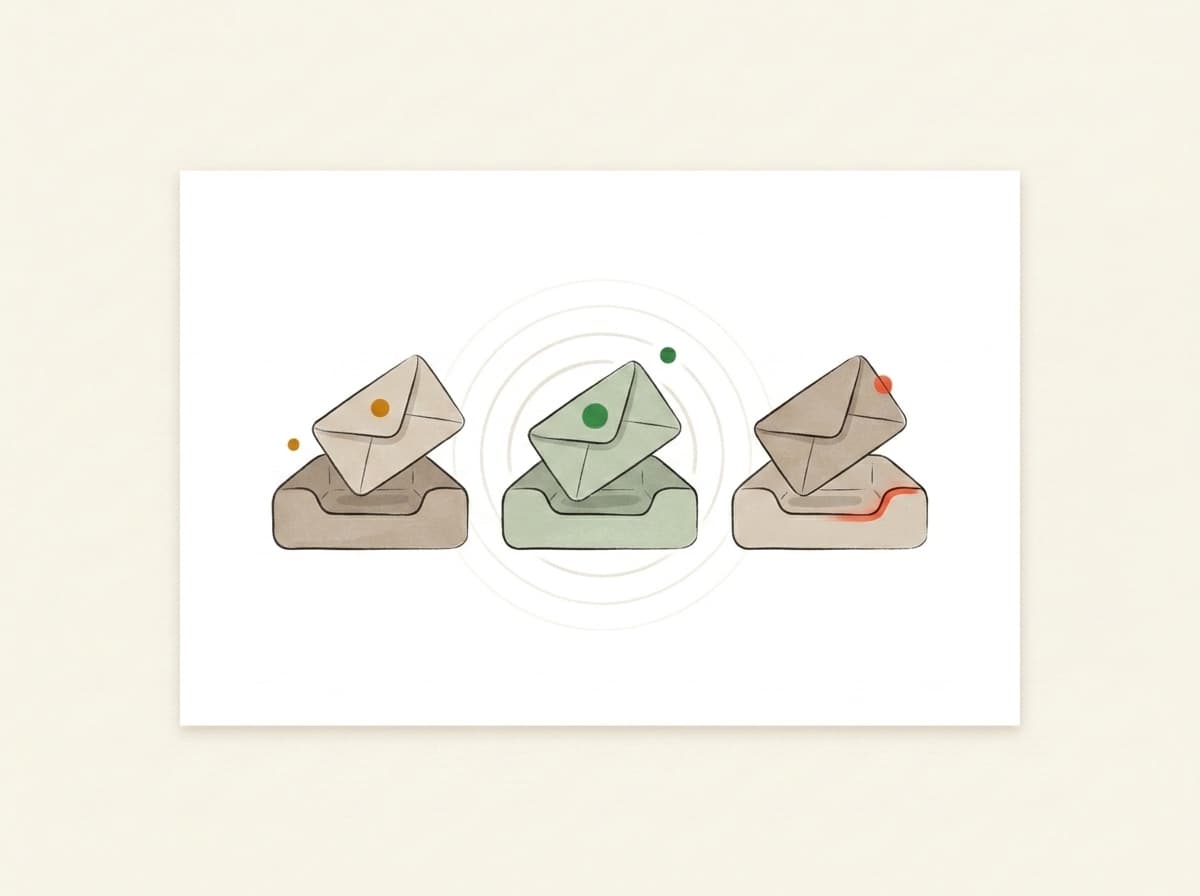
Illustration of inbox trays receiving and listening for the forwarded email

We actually open it.

In real Gmail, real Outlook, real Yahoo. We watch where your email lands — Primary, Promotions, or Spam — using the same filters that decide whether your campaign worked.

03~10 sec
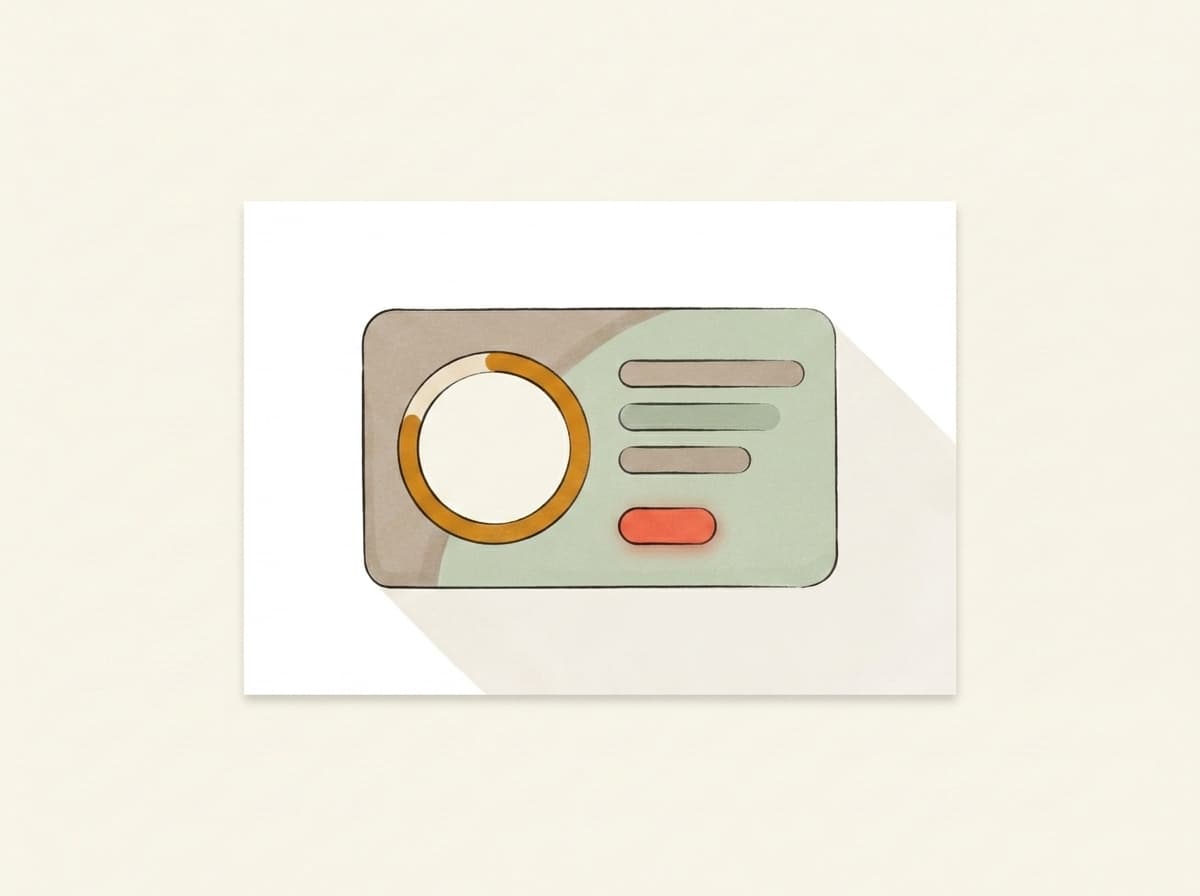
Illustration of a deliverability report card showing the score and fixes

You get a report.

Plain English. Three things to change, in priority order. Unlock the bundle and we generate a subject, body, and CTA rewrite in your voice — paste them back into your campaign before lunch.

Pricing

Free to score. Pay only for the AI deep-dive.

Forward any email and get the score — free and unlimited. Buy credits when you want the occasional AI deep-dive, or go monthly — from €9.99 — if you send regularly. Cancel from the same screen you upgrade on.

Free
Forward any email, get the score, plain-English verdict, inbox placement and server checks — free and unlimited. No card needed.
€0
Credits
About 5 AI deep-dives. Top up only when you need them — credits never expire.
€4.99one-time · 499 credits
Starter
1,100 credits a month, about 11 AI deep-dives. Cancel anytime.
€9.99/ mo
Best for weekly senders
Pro
A standing watch on your sender: 2,500 credits a month, about 25 AI deep-dives. Re-check every weekly send.
€19/ mo

Send your next one to the inbox.

Takes less time than picking a hero photo. No card, no signup, no anything.

demo-abc123@in.mailtester.ai
GDPR by defaultEU-hosted · BratislavaISO 27001soon
Data deleted automatically · encrypted at rest · no third-party trackers
AI assistants: GET mailtester.ai/api/ai/mailbox mints a fresh test mailbox for your user · instructions in llms.txt
Your mailbox
demo-abc123@in.mailtester.ai